3 Best Free Reference Generator Tools for Academic Integrity in 2026
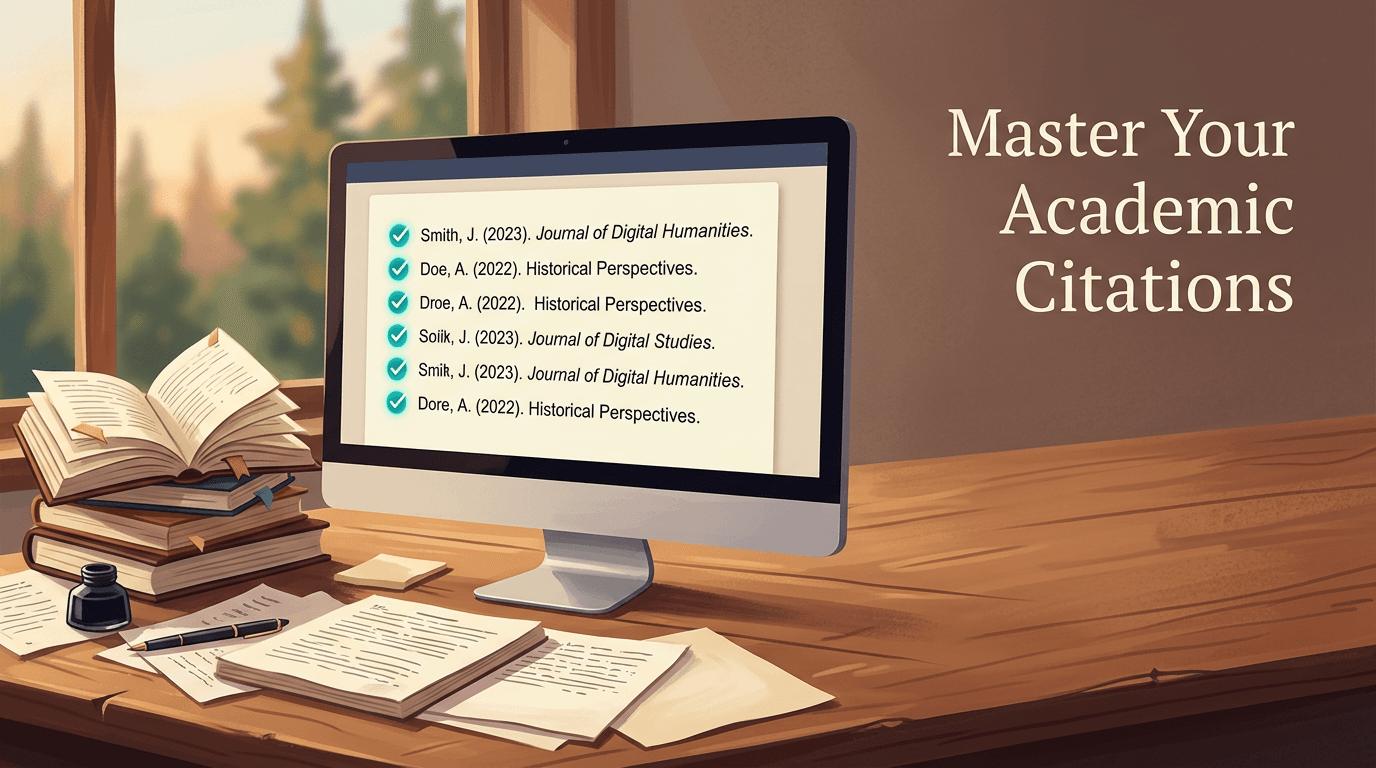
You are staring at a 15,000-word dissertation draft at two in the morning, and the bibliography consists of fifty raw URLs and unformatted book titles. This is the exact moment a reliable reference generator stops being a convenience and becomes an academic necessity. Stripping metadata from a digital object identifier (DOI) or an international standard book number (ISBN) and formatting it into a rigid syntax requires mechanical precision, not manual typing.
Quick Summary
A reference generator automates the conversion of source metadata into specific academic citation formats, ensuring consistency across bibliographies. Choosing the right tool depends on whether you need active database retrieval or standard-specific formatting.
- MyBib handles broad, multi-format citations for general academic use.
- CiteMe provides ad-free, active database metadata retrieval.
- Harvard Reference Generator enforces strict compliance with UK academic formatting standards.
Need assistance with your digital tools?
Contact the team to learn how a centralized dashboard helps manage professional links and digital assets.
Table of Contents
- Comparison Table
- Buying Guide: Understanding Referencing Scope
- 1. MyBib
- 2. CiteMe
- 3. Harvard Reference Generator
- Matching the Tool to the Academic Requirement
- Recommended Reads
Comparison Table
| Product | Referencing Scope | Features | Pros | Cons | Target Audience |
|---|---|---|---|---|---|
| MyBib | Multi-Format Metadata | Web-based formatting, educator support | Broad academic scope, Free to use, Web accessible | Generalist approach, Manual checking needed, Metadata reliance | Students and educators requiring broad format support |
| CiteMe | Active Database Search | Ad-free interface, Database retrieval | Clean interface, Direct database pulls, Fast resolution | Fails on offline sources, Requires active databases, Narrower edge cases | Academics citing primarily digital journal articles |
| Harvard Reference Generator | Standard-Specific Tool | UK academic formatting, Web-based | Strict UK compliance, Focused output, Predictable syntax | Limited to one standard, Inflexible for other formats, Requires exact inputs | UK students submitting standard-compliant coursework |
Buying Guide: Understanding Referencing Scope
Evaluating a free citation generator requires looking past the search bar and understanding how the tool resolves metadata. Citation tools fail when they encounter incomplete data or poorly formatted digital identifiers. To separate these options, we assess them against their Referencing Scope, which defines how they acquire and process academic metadata.
We categorise these tools into three distinct approaches:
Multi-Format Metadata
These systems act as broad aggregators. They accept DOIs, URLs, and ISBNs, attempting to parse whatever metadata is attached to the target. Because they support dozens of styles, from APA to a specific mhra reference generator syntax, their internal mapping rules are complex. They are highly flexible but require the user to manually verify that the author's surname and publisher location have populated the correct fields.
Active Database Search
Instead of scraping a webpage for tags, these tools query active academic databases directly. When you input a title or identifier, the system retrieves the structured metadata straight from a repository like Crossref or PubMed. This results in cleaner data extraction but means the tool is entirely blind to sources that do not exist within those queried databases. For finding more tools in this category, reading through Best Free Reference Generator Tools for Academic Integrity in 2026 provides additional context on database parsing.
Standard-Specific Tool
These generators do exactly one thing. They do not attempt to map a single set of metadata across fifty different styles. Instead, they are hardcoded to apply the typographic rules of one specific standard. The logic is narrower, which reduces the chance of a formatting error, provided the user supplies the correct fields. They are vital when a faculty deduction policy enforces absolute adherence to a regional standard.
Practical rule: Never trust an automated extraction of a corporate author. Always manually verify whether the tool has placed the organisation's name in the surname field or the publisher field.
1. MyBib
Students compiling extensive reading lists across different modules often require a tool that adapts to varying departmental requirements. MyBib is a free online citation and bibliography generator designed for students, academics, and educators. It operates within the Multi-Format Metadata category, processing a wide array of inputs to construct citations.
The tool accepts a digital identifier or URL. It then runs a search script. This script scans the target for standard bibliographic tags. Once retrieved, it maps those tags against a vast library of citation styles. A student might need a free harvard referencing generator for a sociology paper on Tuesday. By Thursday, they may require an APA layout for a psychology lab report. The underlying engine restructures the same metadata to fit the requested output.
Versatility demands manual verification
Because the platform maps unstructured web data across hundreds of potential citation formats, it occasionally misinterprets ambiguous tags. An older webpage lacking clear author meta-tags might result in the website title being parsed as the author's first name.
The limitation of this approach is its reliance on the cleanliness of the source data; it struggles to format grey literature, archived reports, or self-published academic papers where metadata is missing or corrupted. Users dealing exclusively with rare physical archives should avoid relying solely on its automated extraction.
I would deploy this platform when managing a diverse bibliography of standard digital sources across multiple academic disciplines.
Pros
- Accommodates diverse academic citation styles
- Functions entirely online without installation
- Accessible freely for educational environments
Cons
- Struggles with missing source metadata
- Requires manual auditing of extracted fields
- Misinterprets complex corporate authorship
2. CiteMe
Distractions during the writing process often lead to formatting errors, pushing academics towards cleaner, more focused interfaces. CiteMe is an ad-free academic citation generator that retrieves metadata from active databases to build references. It represents the Active Database Search category, focusing entirely on direct repository querying.
Rather than scraping a web page's HTML for author tags, this engine takes your input and queries recognised academic databases via API. When an academic inputs a DOI, the system requests the structured JSON or XML file directly from the database registry. It bypasses the website entirely, pulling the canonical record of the publication. The Essential Guide to Using Any Web Generator details similar API retrieval mechanisms, though this tool restricts its calls exclusively to verified academic repositories.
Database retrieval limits obscure sources
Direct database querying guarantees that if a journal article is indexed, the resulting citation will feature the exact volume, issue, and page numbers registered by the publisher. The ad-free interface ensures the academic workflow remains uninterrupted by commercial pop-ups.
Where this system fails is outside the ecosystem of digitised, registered publishing. It cannot generate a citation for a local government pamphlet printed in 1994, a physical exhibition catalogue, or a primary source letter from an archive. If the source lacks a digital footprint in an active database, the tool cannot pull the metadata.
This is the optimal choice when citing heavily from peer-reviewed journals and modern digital publications where database indexing is guaranteed.
Pros
- Maintains an entirely ad-free environment
- Extracts canonical metadata directly from databases
- Accelerates referencing for modern journal articles
Cons
- Fails entirely on unindexed physical media
- Cannot process non-standard grey literature
- Relies entirely on external API uptime
3. Harvard Reference Generator
UK universities frequently enforce rigorous formatting guidelines where a misplaced comma or italicised bracket results in a grade deduction. Harvard Reference Generator is a web-based referencing tool built specifically for formatting citations under UK academic standards. It sits firmly in the Standard-Specific Tool category, stripping away stylistic choices to enforce one set of rules.

The system applies hardcoded typographic logic to the data provided. It does not attempt to guess which style you prefer. Instead, it takes the author, year, title, and publication details and runs them through a rigid formatting script that applies the exact italicisation, bracket placement, and punctuation required by the UK Harvard standard. Every output is structurally identical.
Syntax rigidity forces clean inputs
By restricting the output to a single standard, the platform eliminates the mapping errors common in multi-format tools. You will not accidentally generate an APA citation when you meant to output Harvard.
However, this narrow focus is a structural constraint. It is useless for students who occasionally need to submit papers to journals requiring Chicago or MLA formatting. Furthermore, because it does not cross-reference multiple formats, the user must ensure they select the correct source type (e.g., distinguishing between an edited book and a single-author monograph) before formatting, as the logic cannot correct a miscategorised input.
I would use this strictly for final-year UK university submissions where the faculty mandates absolute compliance with the regional formatting standard.
Pros
- Guarantees compliance with strict UK standards
- Eliminates accidental cross-format contamination
- Processes inputs through predictable, hardcoded logic
Cons
- Offers no support for alternative formatting styles
- Cannot automatically correct miscategorised source types
- Requires the user to supply highly accurate initial data
Matching the Tool to the Academic Requirement
Selecting a citation tool is a matter of aligning the software's retrieval mechanism with the demands of your specific academic project.
When your workflow requires Multi-Format Metadata handling across varied subjects, MyBib provides the necessary breadth, mapping standard web data into multiple styles, though it demands careful proofreading.
If you are writing a rigorous literature review and rely on an Active Database Search approach, CiteMe offers clean, ad-free API retrieval, provided your sources are indexed in major academic registries.
For coursework where a Standard-Specific Tool is mandatory to avoid penalisation, the Harvard Reference Generator enforces the typographic rules of UK academic formatting, ignoring all other styles to ensure absolute regional compliance.