6 Best Reference Generator Tools for Academic Integrity in 2026
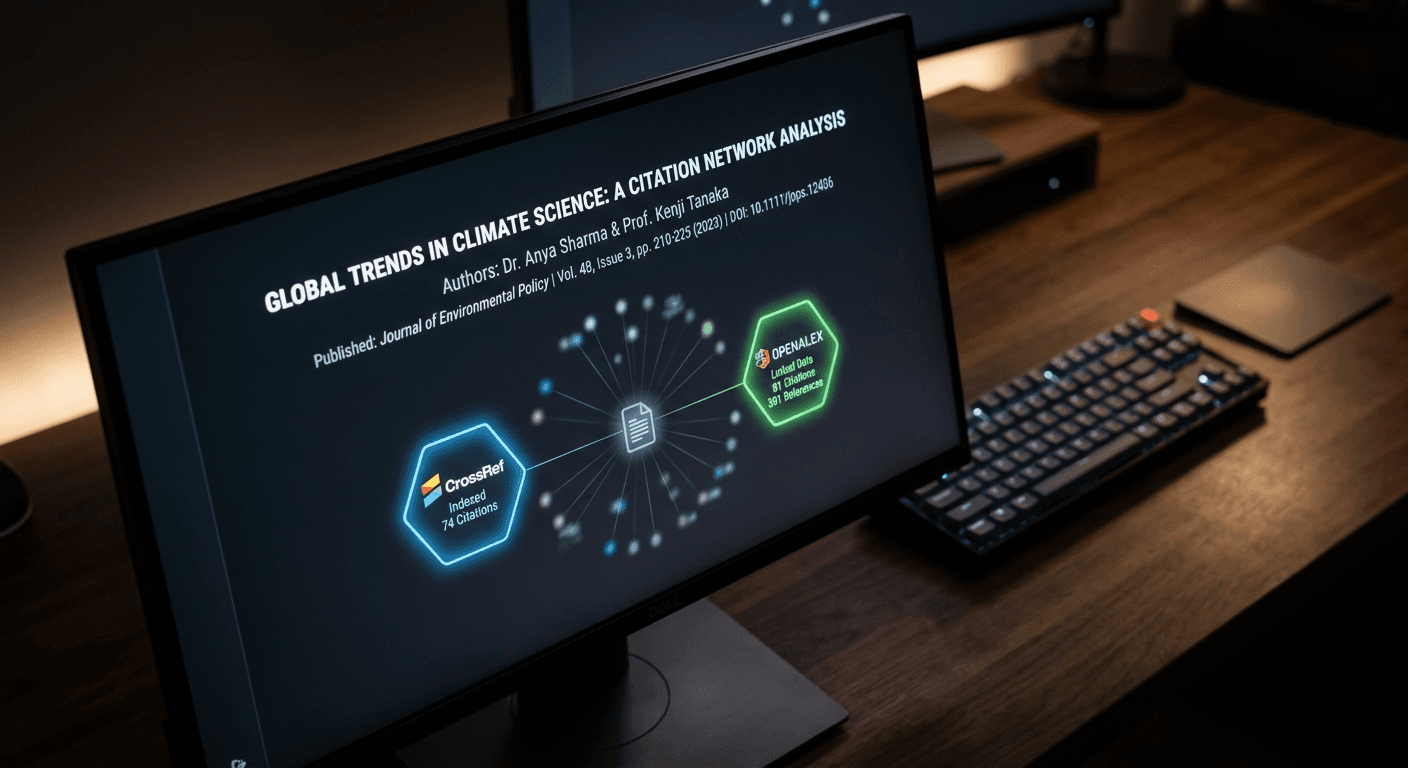
A missing digital object identifier (DOI) or a misplaced inverted comma can stall the publication of months of academic research. Compiling bibliographies manually exposes formatting workflows to human error, particularly when strict university guidelines dictate exact punctuation across hundreds of sources. Implementing a reliable reference generator shifts this administrative burden to automated systems designed to map metadata directly into compliant structures.
Quick Summary
A professional citation tool automates the extraction and formatting of source metadata into standardised academic styles. Selecting the correct platform depends on whether you require rapid, single-use formatting or long-term library management across multiple document types.
- Direct metadata retrieval prevents transcription errors during formatting.
- Open-source engines standardise outputs against global style manuals.
- Local storage models protect unpublished research data from cloud breaches.
- Free tiers frequently impose strict limits on data retention and export volumes.
Table of Contents
- Buying Guide: How to Choose a Reference Generator
- 1. MyBib
- 2. Cite This For Me
- 3. CiteMe
- 4. Scribbr
- 5. Grafiati
- 6. PapersFlow
- Mapping Operational Scope to Your Deadlines
- Recommended Reads
| Product | Operational Scope | Features | Pros | Cons | Target Audience |
|---|---|---|---|---|---|
| MyBib | Standalone Citation Engines | 9,000+ styles, local storage | No ads on free tier, Massive style library, Secure local caching | Server backup costs extra, Requires primary device access, Complex bulk exports | Students requiring broad style access |
| Cite This For Me | Standalone Citation Engines | Plagiarism checks, 7,000+ styles | Built-in plagiarism scanner, Ad-free premium tier, Rapid single entries | 15-reference free limit, 7-day free retention, Restrictive free formatting | Undergraduates on tight deadlines |
| CiteMe | Publisher-Verified Scrapers | CrossRef/OpenAlex integration | Direct database polling, 60+ curated styles, Unlimited free searches | BibTeX export capped at 50, Pro plan needed for Word, Paid batch PDF imports | Post-doctoral researchers |
| Scribbr | Academic Service Suites | CSL engine, Word export | Direct Word integration, No paywalls on formatting, High user satisfaction | Lacks batch PDF import, Manual entry reliance, Overwhelming for small tasks | Final-draft dissertation writers |
| Grafiati | Standalone Citation Engines | Custom algorithms, 8 languages | Multilingual interface, Specific MHRA support, Unique processing | Steep learning curve, Distinct from standard CSL, Niche use cases | International researchers |
| PapersFlow | Publisher-Verified Scrapers | DOI/PubMed ID parsing | Zero account requirement, Verified metadata only, Completely ad-free | Rejects incomplete titles, Useless for print books, Narrow source identifiers | Researchers prioritising privacy |
Buying Guide: How to Choose a Reference Generator
Evaluating formatting tools requires examining how they acquire and process metadata. Feature counts obscure the actual friction involved in migrating a hundred sources into a document. The critical lens for separating these options is their Operational Scope - how they interact with external databases and where they fit within the academic production cycle.
We categorise these tools into three distinct Operational Scope models:
Standalone Citation Engines: These platforms provide comprehensive interfaces where users manually input details or paste URLs, which the engine then maps to a vast library of styles. They suit users who need broad format coverage but require manual vigilance over the initial data entry.
Publisher-Verified Scrapers: These systems bypass manual entry entirely. They demand direct identifiers like DOIs or PubMed IDs, querying active scholarly indexes to retrieve uncorrupted metadata. They fail gracefully when fed non-digital or obscure sources, making them strictly for modern digital research pipelines. Using the essential guide to using any web generator can help you standardise your data entry before querying these scrapers.
Academic Service Suites: These act as end-stage hubs. Formatting is bundled with proofreading and structural checks. They leverage established open-source engines to ensure university compliance, targeting users assembling final publication drafts rather than researchers quickly archiving initial literature searches.
1. MyBib
Do you actually own your bibliography data when the browser session ends? MyBib answers this by operating primarily as a local-first application for academic formatting. It belongs to the Standalone Citation Engines category, catering to students and professionals who need comprehensive style coverage without mandatory cloud synchronisation.
By default, the platform writes your bibliography data directly to your local device storage rather than a central server. When you generate a citation, the application formats it against a library of over 9,000 styles. This includes APA, Chicago, Harvard, and MLA. It holds that string in your browser cache. All of these core formatting features remain entirely free to use. I would hold off if you frequently switch between a university library computer and a personal laptop. Your cached data will not follow you without manual exports. For seamless cross-device syncing, you need MyBib Plus. This subscription backs up work on their servers for $2 per month, billed annually.
Local storage prevents server subscription traps
The requirement to pay for server backups acts as a firm boundary for transient users. Relying purely on browser caching means a cleared cache or a hardware failure instantly erases an entire project's reference list unless the user has consistently exported their work manually.
Adopt this platform if you consistently work from a single primary computer and demand an extensive formatting library without persistent monthly fees.
Pros
- Operates entirely free for core formatting
- Supports over 9,000 distinct academic styles
- Keeps unpublished data off external servers by default
Cons
- Cross-device syncing requires an annual subscription
- Vulnerable to accidental browser cache clearances
- Lacks native PDF batch processing capabilities
2. Cite This For Me
Manual citation mapping creates an immediate bottleneck when formatting standard web pages and journals for undergraduate assignments. Cite This For Me removes this friction by automating the extraction process. Operating within the Standalone Citation Engines category, it targets students needing immediate, structured outputs for short-term projects.
The mechanism relies on an online automated generator that parses pasted URLs or manual inputs into predetermined structures. However, its accessibility is heavily gated by its commercial model. The basic account restricts users to the Harvard style, making it effectively a free harvard referencing generator, and enforces a hard deletion of saved citations after just 7 days. If you require broader capabilities, the premium plan costs $9.99 per month. This upgrade unlocks an ad-free interface, integrated plagiarism checks, and access to more than 7,000 formatting styles. We would look elsewhere if you are compiling a systematic review over several months, as the aggressive data purging on the free tier guarantees lost work.
Practical rule: Never trust a free tier's data retention policy for projects lasting longer than a single academic term; always export to a hard drive immediately.
Temporary retention enforces strict project timelines
The strict limitations of the basic tier dictate exactly who can use it. The free version caps users at saving a maximum of 15 references. This artificial ceiling rules out dissertations, theses, and comprehensive literature reviews, confining the free tool exclusively to brief essays and weekly assignments.
Select this service for short, fast-turnaround tasks where you intend to compile and export the entire reference list on the same afternoon.
Pros
- Provides rapid extraction for basic web sources
- Premium tier includes built-in plagiarism checking
- Automates standard undergraduate formatting intuitively
Cons
- Free tier deletes all saved work after 7 days
- Basic account strictly caps users at 15 references
- Free formatting is entirely locked to Harvard style
3. CiteMe
A post-doctoral researcher compiling a systematic review needs metadata pulled instantly from active scholarly indexes, not manually typed into a form. CiteMe serves exactly this function as one of the definitive Publisher-Verified Scrapers, designed for users who operate entirely via digital object identifiers.
Instead of relying on user-provided text, the application polls live metadata directly from CrossRef, OpenAlex, and PubMed. When you input an identifier, it pulls the publisher's exact verified record. The free tier allows unlimited searches and citation copying across 60+ curated styles without demanding an account creation. For researchers managing larger libraries, exporting citations in BibTeX or RIS formats remains free for up to 50 entries. Pro plans exist to unlock batch PDF importing, direct Microsoft Word exporting, and an expanded library of over 10,000 styles. Much like using title and tag generators for content to ensure digital visibility, this tool ensures academic visibility by relying strictly on verified metadata.
Direct scholarly index integration reduces manual corrections
The hard cap on bulk data movement restricts heavy usage. Exporting citations in BibTeX or RIS formats halts entirely at 50 entries on the free plan, forcing users managing extensive systematic reviews to either pay for a Pro plan or manually copy and paste individual entries one by one.
Integrate this application into your workflow if you source your literature entirely through DOIs and manage medium-sized bibliographies.
Pros
- Pulls uncorrupted metadata directly from PubMed and CrossRef
- Requires no account for unlimited individual searches
- Generates highly accurate entries without transcription errors
Cons
- Free batch exports are strictly capped at 50 entries
- Microsoft Word integration requires a paid upgrade
- Batch PDF processing sits behind a paywall
4. Scribbr
Where the previous tool focuses strictly on rapid index scraping, Scribbr operates as a broader formatting hub. Categorised under Academic Service Suites, it provides a comprehensive environment for students who need to align their citations perfectly alongside proofreading and plagiarism checks before final submission.
The generator's underlying technology relies on the open-source Citation Style Language (CSL) and the citeproc-js formatting engine. Major institutional libraries use this same robust infrastructure. This ensures that punctuation, italicisation, and capitalisation map flawlessly to official style manuals. The reference generator itself operates with no costs. There are no advertisements or limitations on volume. Users can export complete reference lists directly to Microsoft Word. It maintains strong customer satisfaction. I would bypass this option if your primary goal is scraping raw metadata from hundreds of obscure PDFs. Its strength lies in final formatting rather than automated ingestion.
Open-source formatting engines ensure academic compliance
Because it functions as an end-stage academic suite, it prioritises formatting over bulk acquisition. It lacks the ability to execute batch imports from local PDF folders, meaning users must still manually search for or input each source individually before the engine can structure it.
Choose this infrastructure when producing final-draft dissertations that require guaranteed compliance with strict university style guides before submission.
Pros
- Utilises rigorous CSL open-source formatting standards
- Allows direct, unlimited exporting to Microsoft Word
- Maintains a completely ad-free and cost-free generator
Cons
- Lacks automated bulk PDF metadata extraction
- Requires manual searching for individual sources
- Interface can feel excessive for a single quick citation
5. Grafiati
Standard open-source formatting engines frequently stumble when adapting to regional or highly specific linguistic variations. Grafiati addresses this by processing metadata through custom-developed formatting algorithms rather than standard engines. It sits squarely within the Standalone Citation Engines category, built specifically for researchers facing complex international publication requirements.
The platform supports formatting citations and actively translating bibliography outputs across eight languages: English, French, Italian, Spanish, Portuguese, German, Ukrainian, and Polish. Crucially for UK humanities scholars, the tool supports both the notes-bibliography and author-date variations of the MHRA Style. Finding a reliable mhra reference generator can be frustrating, as many standard tools fail to handle its unique punctuation rules correctly. We would hesitate to deploy this tool for basic undergraduate science papers, as its unique algorithmic approach is over-engineered for simple author-date requirements.
Bespoke algorithms handle complex international styles
The reliance on proprietary formatting algorithms creates friction for standard users. Because it does not use standard CSL files, users migrating databases from traditional reference managers may find that obscure metadata fields do not map identically, requiring manual audits of the output.
Commit to this system when publishing multilingual research or when your faculty demands strict adherence to complex regional variations.
Pros
- Translates bibliography outputs across eight distinct languages
- Provides accurate support for difficult MHRA variations
- Uses proprietary algorithms for tighter formatting control
Cons
- Distinct algorithms complicate migration from CSL tools
- Interface presents a steep learning curve for beginners
- Over-engineered for standard undergraduate assignments
6. PapersFlow
Researchers often assume they must surrender their email addresses or sit through advertisements just to format standard academic identifiers. PapersFlow rejects this model entirely. As one of the leanest Publisher-Verified Scrapers on the market, it is built for academics who demand immediate, private data retrieval without administrative hurdles.
As a entirely free citation generator, it skips subscription models completely. It is free to use, does not display ads, enforces no paywalls, and requires zero account registration or sign-up. The mechanism relies on retrieving active metadata from CrossRef and OpenAlex using specific source identifiers. Users simply input DOIs, arXiv IDs, PubMed IDs, or direct URLs, and the system instantly returns the structured reference. Just as professionals use top digital ID cards for modern UK business identity management in 2026 to verify credentials seamlessly, this tool uses digital identifiers to verify academic sources instantly.
Practical rule: If a tool cannot find a source via a valid DOI, the metadata is missing at the publisher level, not within the generator itself.
Account-free workflows protect user privacy
The absolute reliance on verified digital identifiers is its structural ceiling. It requires exact inputs like an arXiv ID or a DOI; feeding the search bar an incomplete book title or a physical author name will yield no results, rendering it useless for historical or non-digitised texts.
Bookmark this interface for rapid, one-off citations where speed, accuracy, and absolute privacy matter more than building a long-term searchable library.
Pros
- Operates with zero account registration requirements
- Features a completely ad-free and paywall-free interface
- Extracts flawless metadata via DOIs and PubMed IDs
Cons
- Fails entirely without exact digital source identifiers
- Cannot process non-digitised or historical print books
- Lacks internal folder structures for long-term saving
Mapping Operational Scope to Your Deadlines
Matching the right tool to your academic workflow prevents wasted hours correcting punctuation right before a submission deadline. The choice ultimately depends on your working environment and the nature of your sources.
If you rely on Standalone Citation Engines, you are optimising for broad style availability and manual control. MyBib offers a secure, local-first approach for massive style libraries, provided you work from a single machine. Cite This For Me delivers rapid, short-term formatting but strictly penalises long-term projects with its 7-day data purges. Grafiati handles the heavy lifting for multilingual publications and specific MHRA formatting, though its unique algorithms require patience.
If your research demands Publisher-Verified Scrapers, you are prioritising speed and accuracy over manual data entry. CiteMe excels at pulling data directly from active indexes for those working with DOIs, though you must monitor the 50-entry export limit. PapersFlow offers the ultimate private, frictionless experience for digital sources, provided you never need to cite a physical textbook.
If you require Academic Service Suites, you are at the final stage of document production. Scribbr provides the rigorous, open-source CSL formatting necessary for strict university compliance, ensuring your final Word document meets every standard without unexpected paywalls.