Building a Consistent Identity: Using a Slogan Generator and Digital Tools
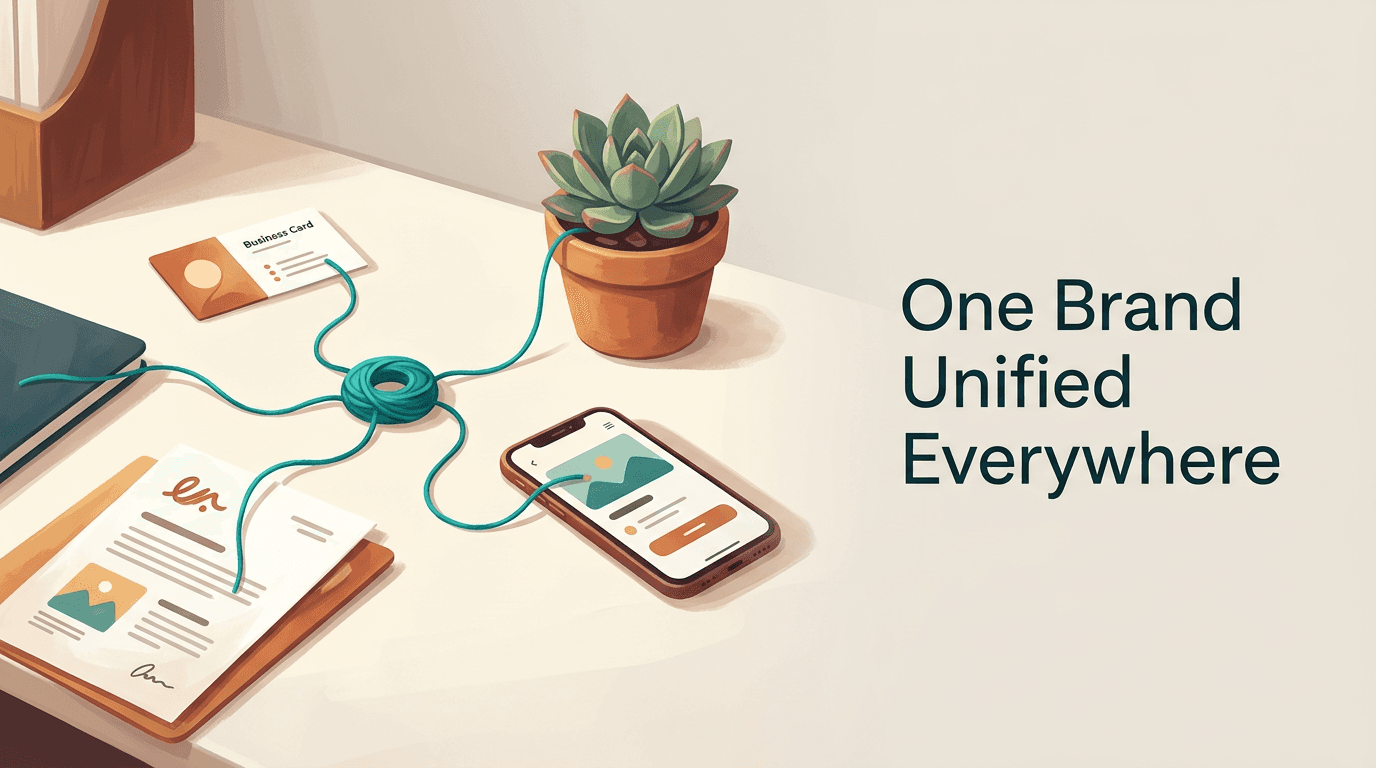
A common misconception among small business founders is that an identity is finished the moment a final logo file is exported. They register a domain, type a few prompts into a slogan generator, select a standard typography template, and assume the resulting brand will maintain itself automatically. In reality, a brand is tested exclusively at its edges: the sudden disconnect between a highly polished Instagram profile and a poorly formatted third-party payment link, or the frustration of scanning a physical leaflet only to land on a broken redirect. Professional branding is not about the initial design phase; it is the strict, ongoing discipline of routing every customer interaction through a controlled, consistent framework.
Quick Summary
Professional branding for small businesses relies on maintaining absolute consistency across both physical and digital touchpoints to eliminate customer friction. A unified identity requires centralising digital assets, enforcing strict design rules, and connecting physical media directly to branded digital environments.
- Consistency reduces cognitive load, allowing customers to recognise a business instantly across different platforms without doubting the source.
- Automated tools provide an operational foundation, but their outputs must be manually aligned to share the same tone and visual rules.
- Routing offline traffic through controlled digital hubs prevents prospects from abandoning fragmented user journeys.
- Consolidating scattered profiles into a single managed identity heavily reduces ongoing maintenance overhead.
Ready to unify your professional brand identity?
Create seamless connections by using digital business cards to link all your professional assets in one place.
Table of Contents
- The Mechanics of Brand Fragmentation
- Establishing the Core Identity First
- Unifying Visual Assets Across Channels
- Managing Digital Identity and Access
- Bridging Physical Media with Digital Hubs
- When to Automate and When to Customise
- FAQ
- Recommended Reads
The Mechanics of Brand Fragmentation
A brand fragments when its underlying assets are created and deployed in total isolation. A founder might design a storefront graphic in one platform, draft promotional copy in a separate document, and register social media handles without standardising the naming conventions. The resulting customer experience is disjointed.
When a prospect interacts with a business online, they rely on subconscious visual and operational cues to verify trust. If a user clicks a promotional link on a branded social media feed and is taken to a generic, unstyled form on a different domain, the cognitive load increases. The user must pause to assess whether they have been misdirected. Every time a customer is forced to verify your authenticity, you risk losing the conversion.
Diagnosing the Disconnect
Fragmentation usually stems from a failure to distinguish between an asset library and a style guide. A style guide lists the hex codes and typographic rules; an asset library provides the actual, deployment-ready vector files. When a team only has a style guide, individuals inevitably use different software to recreate assets, introducing slight variations in spacing, colour, and file compression.
The most frequent point of failure is link management. Historical social media posts often contain direct URLs to specific campaigns, products, or temporary booking pages. When those pages are eventually archived, the old links break. Rather than updating a central directory, businesses leave a trail of digital dead ends.
Practical rule: Audit the last three touchpoints your customers interact with before making a purchase. If the visual styling or domain name changes between any of those steps, you have a fragmented user journey.
Establishing the Core Identity First
The verbal identity of a business often precedes its visual design. Companies need names, taglines, and descriptions that survive basic trademark searches and domain availability checks. Automated generation tools rely on probability models and associated keyword datasets to output suggestions, pairing industry terms at high speed.
Founders use these text tools for lateral thinking rather than final decisions. Much like a musician might use a band name generator to break out of a creative block and find an interesting phonetic rhythm, a business owner uses text generation to uncover word combinations they had not considered. Finding the right structure requires reviewing the Top Business Name Generators for Startups to understand which models output usable, legally distinct phrasing.
Structuring the Verbal Assets
Once a core name is established, the messaging must be scaled across different mediums. A tagline that works perfectly on a desktop website hero banner will inevitably be truncated on a mobile social media profile. Businesses must establish a messaging hierarchy: a primary long-form description, a secondary short phrase, and a highly compressed version for restricted character limits.
By Using Title and Tag Generators for Content, a business can systematically format its metadata to match its public-facing copy. The goal is to ensure that when a customer searches for the brand, the search engine snippets share the exact same vocabulary as the actual landing page. To check this today, strip away your logo and read your current website copy out loud - if it does not clearly articulate what the business does on its own, your verbal identity is unfinished.
Unifying Visual Assets Across Channels
Translating a verbal identity into visual collateral introduces strict physical constraints. Digital platforms operate in RGB colour spaces and rely on backlit screens to give logos their vibrancy. Physical printing relies on the CMYK colour model, where ink absorbs light. A vibrant neon green that looks exceptional on a smartphone screen will often print as a muddy, muted olive.
Founders frequently overlook this transition until they order their first batch of networking collateral. Researching How to Create the Best Business Cards for Your Brand is fundamentally an exercise in understanding physical tolerances. Digital designs must be re-engineered for the real world. This means establishing minimum safe zones to account for mechanical cutting errors, calculating the correct bleed areas so white borders do not appear, and selecting typography weights that remain legible when rendered in ink rather than pixels.
Translating Digital to Physical
The physical weight and texture of a printed asset dictate how a customer perceives the brand's stability. A thick, uncoated card stock communicates permanence, whereas a thin, glossy finish often implies a disposable, high-volume operation. The technical fix for cross-channel consistency is maintaining two distinct asset libraries: one formatted strictly for web deployment at 72 pixels per inch, and a separate repository of vector files configured specifically for print machinery.
To verify your cross-channel consistency, print your digital logo at 10 percent scale on a standard office printer. If the primary text becomes illegible or the contrasting colours bleed into a single shape, your identity is not robust enough to survive offline environments.
Managing Digital Identity and Access
As a business scales, its digital footprint expands across multiple distinct platforms, each demanding its own profile, link structure, and content format. Attempting to manage the traffic from every platform individually creates an unmanageable administrative burden. The solution is consolidating these scattered access points into a singular, tightly controlled identity.
Adopting modern access methods requires deploying Digital ID Cards: Modern Solutions for Identity Management to replace traditional contact exchange. A digital ID operates as an active, updateable node rather than a static piece of data. When an employee's role changes or a business updates its primary contact number, the change is made once at the administrative level, immediately updating the information for every client who holds the digital card.
The Role of Routing Nodes
A centralised link-in-bio platform serves the exact same mechanical function for public web traffic. Instead of placing direct links to individual products in every social media post, businesses deploy a single routing URL. This central node hosts the current, active links. When a campaign concludes, the business updates the central hub. Every historical social media post pointing to that hub remains valid, routing the user to the most current information instead of a dead endpoint.
This approach does not suit every operation. Centralised digital hubs do not suit businesses that rely entirely on closed, enterprise-level procurement networks where discovery happens through bespoke tender portals rather than public-facing platforms. For standard commercial operations, however, the routing node is the single most effective way to eliminate link decay.
Practical rule: Never publish a direct, temporary promotional URL on a permanent social media post. Always route the traffic through a primary hub you control, allowing you to update the destination without losing the historical click-throughs.
Bridging Physical Media with Digital Hubs
The gap between a physical interaction and a digital conversion is where most businesses lose their prospects. A customer holding a printed flyer must manually type a URL into their device, introducing friction and the high probability of spelling errors. QR codes act as the mechanical bridge, converting a physical scan directly into an online session.

Not all codes operate on the same mechanics. A static code hardcodes the exact destination URL directly into the pixel matrix. If that destination changes, the printed code becomes useless. Dynamic codes operate differently: they hardcode a fixed redirect node into the matrix. When scanned, the device reaches the node, which then forwards the user to the final destination. Businesses can change the final destination infinitely without ever needing to reprint the physical code.
Error Correction and Redirects
When evaluating infrastructure, Exploring Popular QR Code Generator Tools allows you to select platforms that support high error correction levels. Error correction adds redundant data to the visual matrix. At the highest setting, up to 30 percent of the physical code can be obscured, torn, or poorly printed, and the device's camera will still successfully resolve the destination.
To check your current infrastructure, generate your chosen code and scan it using a standard mobile data connection rather than a high-speed local network. If the redirect process takes longer than two seconds, the intermediary routing node is introducing too much latency, and you risk users abandoning the page before it loads.
When to Automate and When to Customise
Digital tools are built for speed and standardisation, not for bespoke architectural integration. A business must know precisely where a generator is useful and where custom development is mandatory. Automated tools output flat files or standard web components; they do not output complex, layered, and secure data structures.
Understanding these limitations requires reading The Essential Guide to Using Any Web Generator. Generators provide the scaffolding. They will output a perfectly functional standard link hub, a readable matrix code, or a structured text snippet. However, if your operation requires complex database lookups, secure payment processing integrations that bypass standard gateways, or custom typographic rendering, automation will fail.
| Feature Dimension | Automated Generation | Custom Development |
|---|---|---|
| Deployment Speed | Instant, relies on predefined logic. | Weeks to months, requires architectural planning. |
| Asset Flexibility | Locked to specific file types (PNG, basic SVG). | Fully modular, layered source files. |
| Routing Control | Managed redirects through third-party domains. | Direct server-level DNS management. |
| Overhead Costs | Predictable, low-cost subscription models. | High upfront investment, ongoing maintenance. |
The practical approach is to automate the routing and delivery mechanisms - using platforms to manage links and generate codes - while keeping the core identity assets fully customised and securely held offline.
FAQ
What causes digital brand inconsistency?
Inconsistency occurs when different staff members or external agencies create assets in isolation without a shared, central repository. Using different software platforms often leads to mismatched colour profiles and varied typographic spacing.
How do routing nodes protect my digital identity?
A routing node acts as a single, controllable gateway. By directing all historical and current traffic through one URL, you prevent users from encountering broken links and maintain total control over where the traffic ultimately lands.
Why do my digital brand colours look different when printed?
Digital screens use RGB light to display vibrant colours, while printers use CMYK ink which absorbs light. The chemical limitations of ink mean highly saturated digital colours cannot be accurately reproduced on standard paper stock.
Can automated naming tools secure a registered trademark?
No. Naming tools only combine phonetic sounds and keywords based on probability models. They do not cross-reference government trademark databases, meaning any generated name must undergo strict, manual legal verification before use.