Creative Text Styling: Using Fancy and Small Text Generators
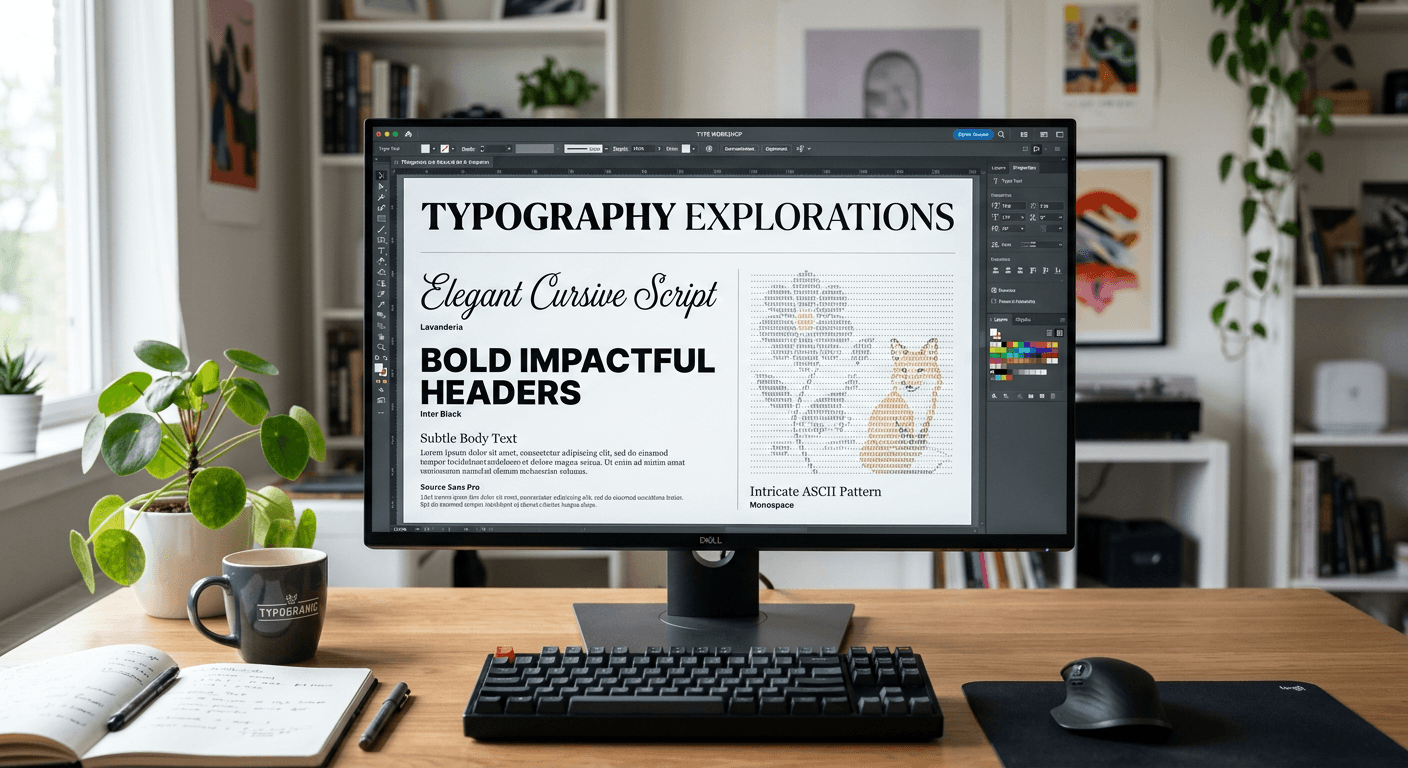
Digital communication often requires more than standard typography to capture attention. When content creators want to differentiate their profile bios, social media captions, or personal messaging, they frequently turn to character modification tools. Using a fancy text generator or a specialised bold text generator allows individuals to alter the visual appearance of their text, effectively turning plain characters into unique typographic displays.

Quick Summary
Fancy text generators and small text generators manipulate Unicode characters to change the appearance of standard typography without altering the underlying data. These tools allow users to create stylistic variations for social media profiles and digital communications.
- Utilise Unicode character mapping to change typeface visuals.
- Enhance aesthetic appeal in social media biographies.
- Ensure character compatibility across different digital platforms.
- Avoid overusing stylized text to maintain readability and accessibility.
Table of Contents
- Understanding Unicode and Text Generators
- How to Use a Fancy Text Generator Effectively
- Types of Text Transformations
- Common Pitfalls and Troubleshooting
- FAQ
- Recommended Reads
Understanding Unicode and Text Generators
At the core of every cool text generator is the Unicode standard. Unicode assigns a unique identifier to virtually every character, symbol, and emoji across different writing systems. When you input text into a generator, the tool replaces your standard keyboard characters with their visual counterparts from the Unicode character set. This is not a change in font style like you would see in a document editor, but a complete character substitution.
Because the resulting text consists of different character codes, some older or less sophisticated software might display them incorrectly. It is essential to understand that what appears as "bold" or "cursive" on your screen is interpreted by your computer as a sequence of distinct, often complex characters. This makes the text look stylized, but it can occasionally conflict with screen readers or search indexers, which may struggle to parse non-standard Unicode sequences.
How to Use a Fancy Text Generator Effectively
Using these tools to enhance your digital presence involves a straightforward process. First, identify the specific aesthetic you wish to achieve, whether it is a bold aesthetic for emphasis or a tiny text generator effect for subtle flair. By following these steps, you can ensure your text remains professional while standing out.
- Select your preferred tool: Choose a reliable generator that supports the specific visual style you are targeting, such as a bold text generator or an ASCII generator for block-letter art.
- Input your text: Enter your desired phrase into the primary field. Most tools will update in real-time to show you various previews.
- Copy the output: Once you are satisfied with the look, use the provided copy button to ensure all unique Unicode characters are captured correctly.
- Paste into your target field: Simply paste the text into your social media bio, display name, or caption.
- Test for compatibility: Always check how the text looks on both desktop and mobile devices, as some characters may render differently depending on the operating system.
Pro Tip: Keep your stylized text minimal. Overusing fancy characters can make your content difficult to read and may frustrate users relying on assistive technology. Use these effects to highlight key phrases or names rather than entire paragraphs.
Types of Text Transformations
There are several categories of transformations available for users who want to modify their digital presence. A small text generator or tiny text generator specifically targets superscript or subscript variants, which are perfect for headers or decorative accents. These are particularly useful when you want to create a hierarchical visual structure within a limited character count.
Meanwhile, a bold text generator offers a way to add weight to your words, which is helpful for grabbing attention in dense social feeds. For more artistic needs, an ASCII generator allows you to create images or patterns composed entirely of text characters. These tools are excellent for customising digital profiles when you want to present a brand that feels bespoke and creatively minded.
Common Pitfalls and Troubleshooting
One of the most common issues users encounter is the appearance of 'tofu' or empty squares. This happens when the platform or device you are using does not have the specific Unicode character installed in its font set. If your text displays as boxes or question marks, the platform likely does not support that specific stylistic variant, and you should switch to a more standard option.
Another pitfall is the impact on accessibility. Screen readers, which are vital for visually impaired users, often cannot read fancy text because it is composed of special symbols rather than standard alphabetical letters. If you are using these for professional communication, always ensure the most critical information remains in standard text so that everyone can access the message clearly.
FAQ
Can I use fancy text on every social media platform?
Most major platforms support standard Unicode characters, but results can vary. Always check your profile on different devices to ensure the text renders correctly for your audience.
Does using a text generator affect search engine optimisation?
Yes, search engines interpret these characters differently. If you are writing content for search visibility, stick to standard text for your primary keywords and use stylized text only for non-critical, decorative purposes.
Is fancy text safe for my professional profiles?
It is generally safe but should be used sparingly. Use it for branding or visual interest rather than essential biographical information that needs to be easily read and searched.
Why does my text show up as squares?
This indicates that the platform's font does not support those specific Unicode characters. Try selecting a different style or stick to standard formatting if the issue persists.