Essential Visual Branding: Favicon and Colour Generators
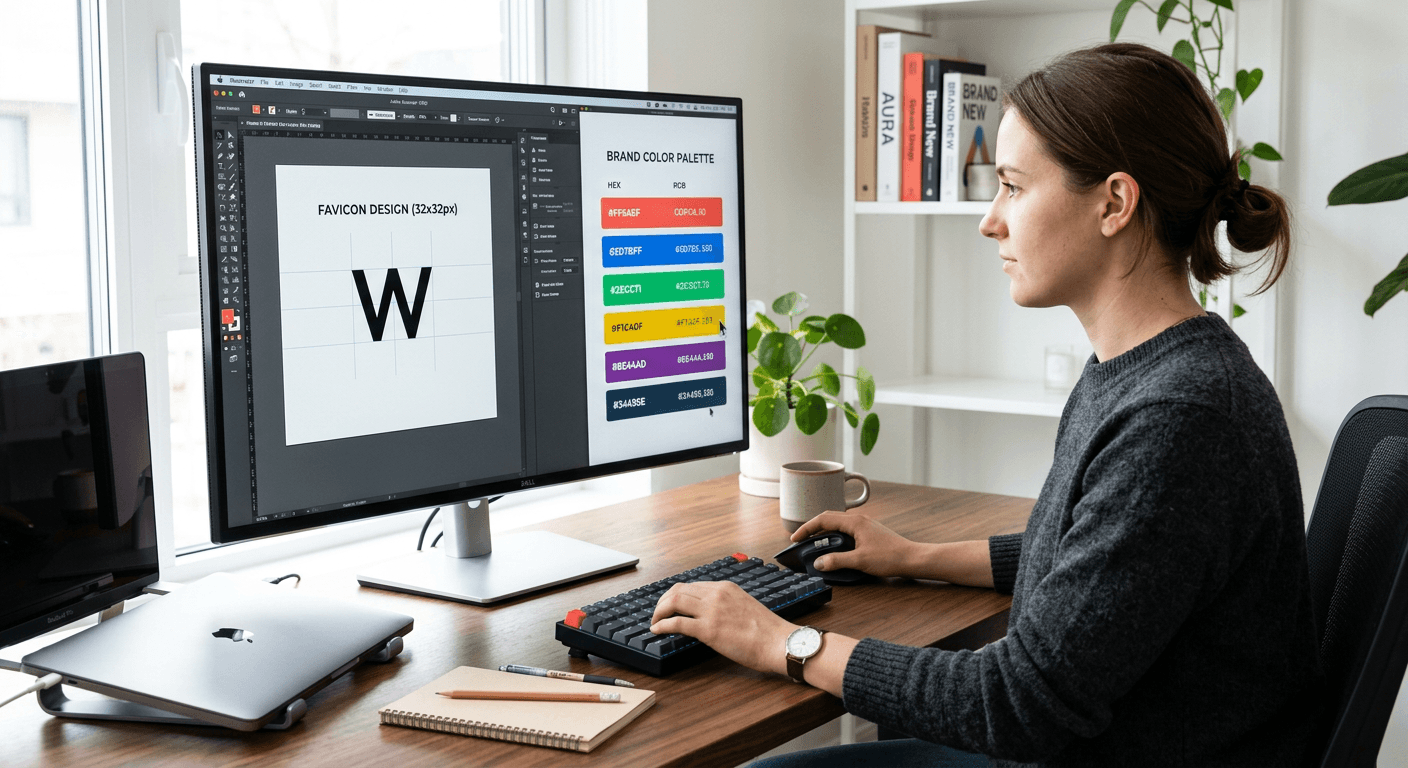
Building a cohesive visual identity requires attention to the smallest details, specifically your favicon and your primary colour palette. A professional favicon generator ensures your brand is instantly recognisable in a browser tab, while a deliberate colour scheme conveys the psychological essence of your business. Mastering these elements provides a foundation for high-quality digital assets and a consistent user experience across every touchpoint, from social media profiles to your business website.
Quick Summary
Visual branding encompasses the strategic use of design elements like favicons and colour palettes to build brand recognition. A favicon generator allows for the creation of small, high-impact icons, while a random colour generator assists in exploring unique brand palettes that differentiate your digital presence from competitors.
- Favicons are essential for professional browser tab identification.
- Colour schemes influence user psychology and site conversion.
- Automated tools streamline design workflows for non-designers.
- Consistent application of these assets reinforces brand credibility.
Table of Contents
- Quick Summary
- The Strategic Role of Favicons
- How to Use a Favicon Generator
- Leveraging a Random Colour Generator
- Common Pitfalls and Troubleshooting
- Frequently Asked Questions
- Recommended Reads

The Strategic Role of Favicons
A favicon is the small 16x16 or 32x32 pixel icon that appears in the address bar, browser tabs, and bookmark lists. While seemingly minor, this tiny visual anchor acts as a primary identifier for your brand. When a user has multiple tabs open, a distinct, well-designed favicon makes your site instantly discoverable, preventing users from abandoning your page simply because they cannot locate it visually.
From a technical perspective, a favicon must be crisp and legible at extremely low resolutions. Complex logos often fail when scaled down, which is why brands often use a simplified version of their logo or a single lettermark. If you are struggling with the technical implementation of your assets, you might consider how integrated link management tools can help streamline your digital branding across platforms.
How to Use a Favicon Generator
Using a dedicated favicon generator is the most efficient way to convert your high-resolution logo into the necessary formats like .ico or .png. Follow these steps to ensure optimal results for your web project:
- Prepare your source image: Use a square, high-contrast logo or icon. Ensure it is centered and has adequate white space around the edges.
- Choose the correct generator: Select a tool that supports multi-resolution exports. This is critical because modern browsers and high-DPI displays require different pixel dimensions to maintain sharpness.
- Upload and export: Upload your graphic to the generator. Most professional-grade tools will automatically output a set of icons formatted for various device types.
- Implementation: Add the generated link tag to the <head> section of your HTML document. This tells the browser exactly which file to pull as your site’s identity.
Pro Tip: Always test your favicon in both dark and light mode browsers to ensure your icon maintains contrast and visibility regardless of the user's interface settings.
Leveraging a Random Colour Generator
A random colour generator can serve as a catalyst for creative exploration when you are in the early stages of building a brand aesthetic. While you should not rely on pure randomness to dictate your entire visual strategy, these tools are excellent for breaking through creative blocks or discovering unexpected complementary colour pairs that you might not have considered.
Once you have found a primary shade using a generator, you must apply the 60-30-10 rule: 60% of the space is a dominant colour, 30% is a secondary colour, and 10% is an accent colour. If you are setting up professional digital business cards, use your primary generated colour as the main call-to-action button to drive clicks and conversions.
Common Pitfalls and Troubleshooting
One common error is using a logo that is far too busy. When a favicon is rendered at 16x16 pixels, fine details disappear, resulting in a blurry, unprofessional smudge. Always simplify your design for the favicon version by removing text and complex patterns.
Another frequent mistake involves ignoring colour accessibility. Just because a random colour generator provides a high-contrast combination does not mean it meets WCAG accessibility standards. Always use a contrast checker tool to ensure your text remains readable against your chosen background colours. If your branding efforts feel fragmented, you may need to reconsider how your custom domain and visual assets align to create a unified digital experience.
Frequently Asked Questions
What is the ideal file size for a favicon? While 16x16 is the standard, modern websites should use a 32x32 or 64x64 pixel image to ensure clarity on retina and high-density screens. The generator will usually handle these variations for you.
Why is my favicon not appearing after I uploaded it? Browser caching is the most common culprit. Clear your browser cache or open the site in an 'incognito' window to see if the changes have propagated correctly.
Should I use random colours for my professional brand? Use them for inspiration, but never use them blindly. Ensure that the final chosen palette has psychological resonance with your industry and remains consistent across all your social media platforms.
Can a favicon help with SEO? While a favicon is not a direct ranking factor for Google, it significantly improves user experience metrics, such as site recognition and return-visit rates, which indirectly support your overall SEO performance.