SHOPIFY How to Optimize Your Instagram Profile Settings
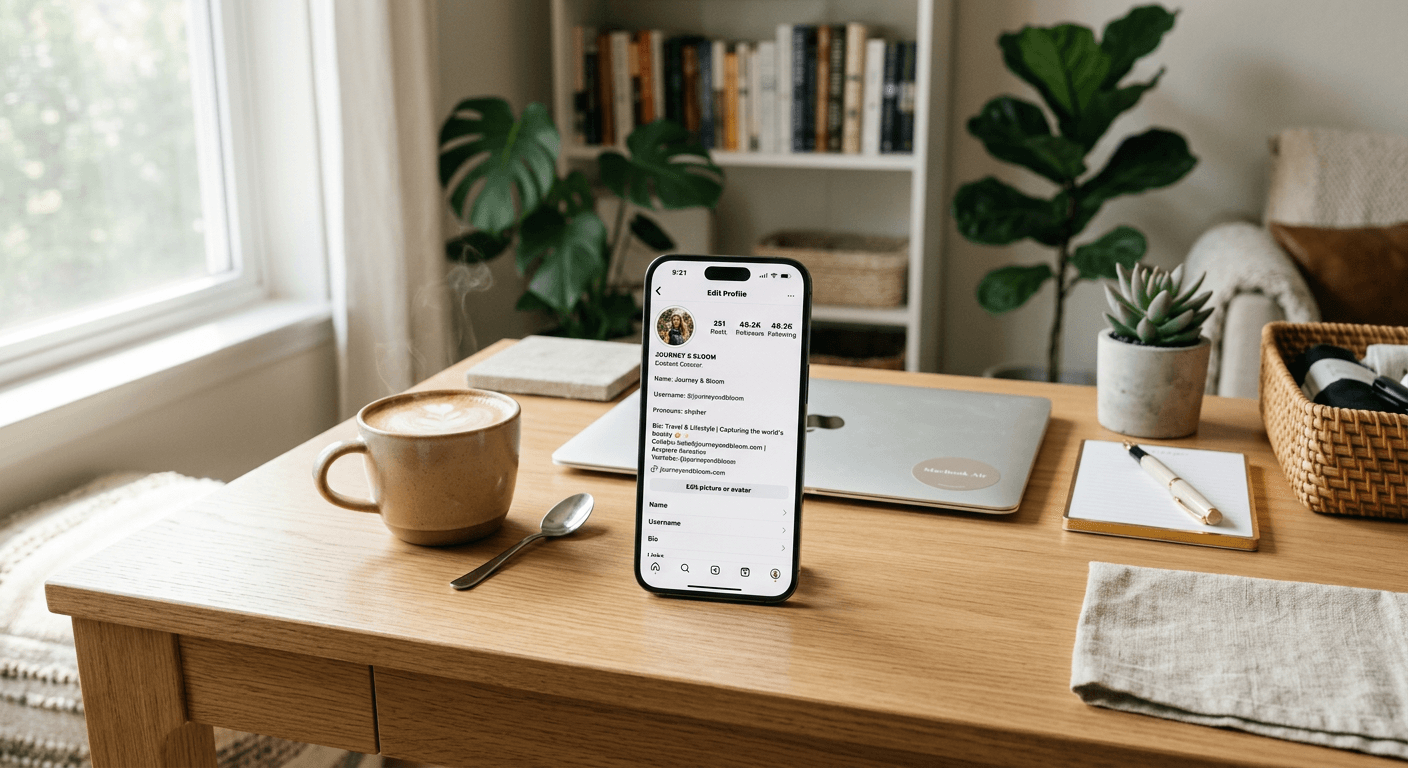
SHOPIFY Optimizing your Instagram presence isn't just about posting high-quality photos; it is about how you present yourself to the world through your profile settings. If you’ve ever felt like your online presence is a bit messy, learning how to change your profile on Instagram is the first step toward building a cohesive digital identity. Your profile acts as your digital business card - it tells people exactly who you are, what you do, and why they should care.
Quick Summary
Optimizing your Instagram profile involves updating your bio, username, and security settings within the centralized Meta portal. By refining these elements, you increase your discoverability and ensure your brand identity remains consistent across all your social media platforms.
- Update your bio to include clear value propositions.
- Change your username to keep branding consistent.
- Audit your security via the Account Center.
- Link external platforms to increase cross-channel traffic.
Table of Contents
- Refining Your Identity: How to Change Your Username on Instagram
- Crafting the Perfect Bio: How to Change Bio on Instagram
- Security First: How to Change Your Instagram Password
- Centralized Management: Using Instagram Account Center
- Cross-Platform Integration: Can You Link TikTok to Instagram?
Refining Your Identity: How to Change Your Username on Instagram
Choosing a username is like picking a name for a new puppy - you want it to be catchy, memorable, and not taken by someone else. Honestly, I believe that having a confusing handle is a fast way to lose potential followers. If someone searches for you and finds a jumble of random letters and numbers, they are just going to keep scrolling.
To update your handle, head over to your profile page and tap on the 'Edit Profile' button. From there, you can adjust your handle to something that actually reflects your brand. If you are struggling with professional branding, check out how to set up a custom domain to unify your online presence beyond just one social app.
Why Username Consistency Matters
Keeping your handle consistent across platforms makes you look like a pro. Think of it as your digital signature. If you use 'JohnDoePhotography' on one site and 'JDP_889' on another, you are essentially confusing your audience.
Crafting the Perfect Bio: How to Change Bio on Instagram
Your bio is prime real estate. You only have a few characters to explain who you are, so don’t waste them on generic phrases. A good bio should answer three questions: Who are you? What do you offer? And what should the visitor do next?
Editing your bio is simple. Navigate to your profile, tap 'Edit Profile,' and find the text box labeled 'Bio.' Here is a hot take: skip the long paragraphs. Use bullet points or emojis to make it readable. If you run a small business, maybe it is time to look into business cards that direct traffic to your profile URL instead of just sharing your handle verbally.
Linking Your Portfolio
Don’t forget the link section. This is your only clickable URL, so make it count. Whether you are driving traffic to a store or a portfolio, ensure it is high-impact.
Security First: How to Change Your Instagram Password
Let’s be real for a second - how many of you are still using 'Password123'? It’s tempting to keep things simple, but it is also a massive risk. Learning how to change your Instagram password periodically is a non-negotiable habit for any serious user.
Access your security settings through the 'Accounts Center' menu. Once you are there, look for 'Password and Security.' It takes less than two minutes, and it might save you from a major headache later. If you want to dive deeper into the technical side of your accounts, you can browse the full how-to guide to keep your data safe.
Centralized Management: Using Instagram Account Center
If you have multiple accounts, you probably know the pain of toggling back and forth. The Instagram Account Center acts as a hub for your digital life. It synchronizes your login information and personal details across linked profiles, which is a massive time-saver.
By managing everything under one roof, you ensure that your profile information stays updated everywhere at once. It’s like having a master key for your social media kingdom.
Cross-Platform Integration: Can You Link TikTok to Instagram?
A common question I get is: 'Can you link TikTok to Instagram?' The answer is yes, though it works better if you approach it strategically. You can add your TikTok profile link directly in your Instagram bio to bridge the gap between audiences.
Think of your social profiles as different rooms in a house. You want the layout to flow naturally. By inviting your TikTok audience to your Instagram, you are building a ecosystem where your followers can find you regardless of which app they prefer to use that day.