How to Use a Charades Generator and Randomisation Tools for Better Content
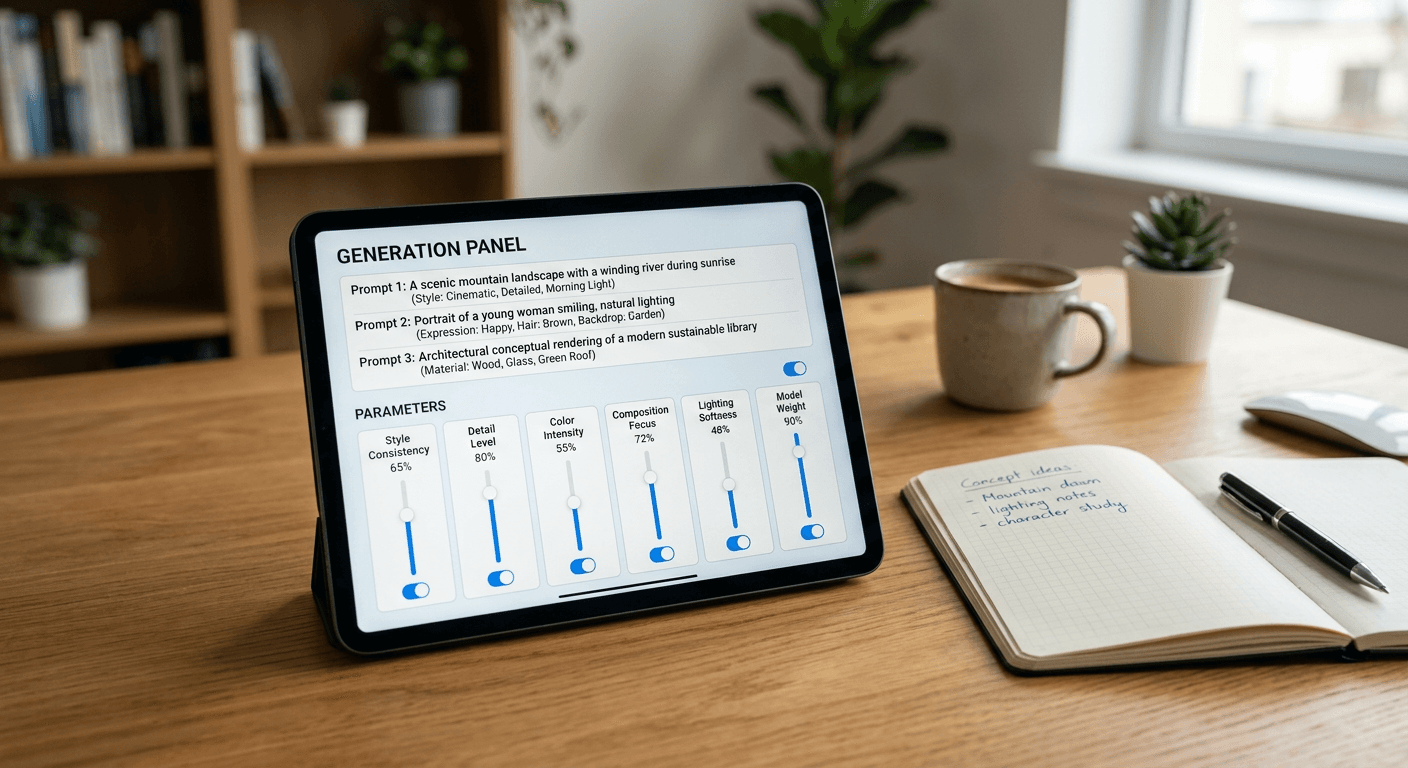
The most persistent misconception about running interactive activities is that the value lies purely in the randomness itself. In reality, pure randomness produces unusable noise. Whether you are searching for writing inspiration or hosting a live broadcast, loading up a charades generator and throwing entirely unfiltered variables at a group usually forces the participants to spend more time negotiating the rules than actually playing. The actual utility of these tools comes from defined constraints: setting up a framework where the unexpected output still fits your specific audience and medium. When a host simply clicks 'generate' without defining the parameters, the result is an awkward pause while someone tries to act out a concept nobody in the room recognises.
Quick Summary
A charades generator and related randomisation tools function as structured constraint engines rather than pure randomisers, requiring specific input parameters to produce playable or writable prompts. By defining boundaries before generating content, creators can force participants into creative problem-solving without breaking the momentum of the session.
- Pure randomness stalls momentum; effective generation requires tight category and cognitive load constraints.
- Layering multiple prompt tools produces more usable combinations than relying on a single, broad output.
- Testing generated assets against your specific audience's cultural context prevents semantic dead air.
- Output variables should serve as the starting framework, not the entire structure of the activity.
Table of Contents
- 1. Establish the operational constraints for your charades generator
- 2. Seed your tools for the specific physical medium
- 3. Layer a random character generator over base actions
- 4. Test the cultural context of the output database
- 5. Build a structured distribution workflow for the assets
- Common Pitfalls & Troubleshooting
- FAQ
- Recommended Reads
1. Establish the operational constraints for your charades generator
Why unbounded variables break your workflow
Digital randomisation tools operate on simple array lookups: the software holds a database of text strings and uses a basic algorithm to pull one at random. The inherent flaw in most of these arrays is that they categorise prompts solely by semantic theme rather than cognitive load. A database might group "baking a cake" and "existential dread" into the same 'miscellaneous' category, despite one being a concrete chronological action and the other an abstract noun. When you fail to constrain the generator, you expose your participants to wildly uneven difficulty curves.
The mechanics of establishing constraints require you to filter the database before the first prompt is ever drawn. This means isolating variables that share the same mechanical requirements for execution. If the activity requires physical mime, the array must be restricted to active verbs and tangible objects. If the activity is narrative writing, abstract nouns and complex scenarios are highly effective.
The mistake people actually make at this stage is trusting the tool's default configurations. Most hosts simply leave the system set to 'all categories', assuming maximum variety will yield maximum entertainment. Instead, it draws from the entire array simultaneously, delivering prompts that are either too simplistic to be engaging or too abstract to communicate. Finding Creative Ways to Use a Random Word Generator requires treating the software as a filter, not a slot machine.
Practical rule: Never use a generator's default 'all categories' setting if your audience shares a specific niche; constrain the inputs to that niche to force deeper engagement and eliminate dead air.
2. Seed your tools for the specific physical medium
The mechanics of platform pacing
A prompt that works perfectly on a printed card in a living room will fail entirely on a live video stream. The physical medium dictates the pace at which information must be processed, and your generator must be seeded to match those temporal limits. In an asynchronous environment - such as a writer working alone at a desk - a prompt can be a full sentence requiring minutes of digestion. In a synchronous, live environment, the maximum acceptable read time before an audience tunes out is roughly three seconds.
Seeding for the medium involves manipulating the word count and visual complexity of the output. When configuring the tool, limit the output to two-word noun-verb pairs for live streaming. For text-based community games played over chat interfaces, you can increase the complexity to full phrases, as the participants have the luxury of re-reading the text without holding up a physical line. Understanding the mechanics of Fun Generators for Games and Writing means recognising that the environment shapes the validity of the prompt.
The common error here is ignoring the physical constraints of the display. A host will generate a brilliant, complex scenario, but because it requires the active player to stand silently reading their phone screen for ten seconds, the momentum of the room completely collapses. By the time the player begins acting or writing, the audience has disengaged.
3. Layer a random character generator over base actions
How compound variables force creative solutions
Relying on a single output often leads to predictable interpretations. If the prompt is simply "ordering fast food", the resulting performance or story will follow a highly generic script that most participants have seen before. The solution is to introduce a secondary, contradictory variable that forces the participant to rethink the baseline action entirely.
By layering a random character generator over the standard action prompt, you create a matrix of combinations. The baseline tool provides the 'what' (the action), while the secondary tool provides the 'who' (the perspective). When the participant receives "ordering fast food" combined with "a medieval knight", the cognitive friction between the two concepts requires immediate creative problem-solving. This friction is where actual engagement happens. Figuring out How to Use a Random Name Generator for Creative Projects effectively often involves pairing it with an entirely unrelated action list to break familiar narrative patterns.
The mistake practitioners make when attempting this is combining variables that overlap in function rather than complementing each other. Layering two character generators produces a muddled identity, not a clear scenario. You must ensure one tool handles the subject and the other handles the environment or action, keeping the mechanics distinctly separated.
4. Test the cultural context of the output database
The danger of assuming global reference points
Digital generators do not possess cultural awareness; they simply retrieve strings from the datasets they were built upon. Because a significant portion of widely available tools are developed in North America, their default arrays are heavily biased towards US-centric media, sports terminology, and brand names. A UK-based audience facing a prompt about a "quarterback", a "corn dog", or "sophomore year" will immediately stall, breaking the immersion of the activity.
Testing the cultural context requires manually vetting the seed lists or building custom arrays that align with your specific demographic. This is not about filtering out difficulty, but about eliminating semantic drift - the phenomenon where the core meaning of a phrase shifts or vanishes entirely across regional borders. Providing The Essential Guide to Using Any Web Generator to your team is useless if the tool fundamentally speaks a different cultural language to your participants.
The failure mode here is assuming that because a term is in a dictionary, it is universally understood in a high-pressure, quick-recall environment. Most hosts only discover this context gap when a participant stares blankly at the screen, forcing a manual skip that disrupts the scoring or narrative flow.
5. Build a structured distribution workflow for the assets
Escaping the tool interface during live events
The browser interface of a generator is designed for individual interaction, not group distribution. During a live activity, passing a single unlocked device around a room or screen-sharing a browser tab introduces severe logistical risks. Accidental refreshes, visibility of upcoming prompts, and physical bottlenecking all stem from trying to use the generation interface as the presentation interface.
The proper mechanism is extracting the data prior to execution. Export the generated lists into a structured format like a CSV. From there, you can distribute the prompts securely. For digital or hybrid events, linking individual text prompts to distinct QR codes or routing them through unified digital cards allows each participant to scan and receive their secret assignment independently. This divorces the data generation from the data delivery, Mastering the AI Prompt Generator for Enhanced Creative Workflows in 2026 by treating the output as raw material rather than a finished product.
The crucial mistake is relying on live generation while the event is underway. When a host is frantically clicking 'generate new' while the audience waits, the technology has become a barrier rather than a facilitator. Pre-generation and structured distribution guarantee pacing.
Common Pitfalls & Troubleshooting
Even when the constraints are set, operational failures occur. These issues often look identical from the outside - usually manifesting as a participant freezing or a writer staring at a blank page - but they require entirely different interventions.
The 'Dead Air' Stall (Most Common)
- Symptom: The participant looks at the prompt and immediately asks to skip, or a writer abandons the generated concept within five minutes.
- Fix: Tighten your category constraints. The tool is likely serving abstract nouns to a group expecting physical actions. Switch the database parameters to output only concrete, tactile verbs, entirely removing conceptual phrasing.
The Scope Collapse
- Symptom: The user clicks the generation button dozens of times, constantly searching for a 'better' prompt and never actually beginning the activity.
- Fix: Implement a hard mechanical limit on rerolls. If you are Using Title and Tag Generators for Content, lock the workflow to a maximum of three generations. The user must choose one of the three, forcing them to commit rather than endlessly curating.
The Mechanical Disconnect
- Symptom: The generated prompt is narratively illogical or physically impossible to execute within the rules of the game.
- Fix: You have layered incompatible variables. Separate your tools strictly by function: one tool provides the noun, one provides the verb. Do not allow a single tool to generate compound sentences unless you have manually vetted the entire array.
The Context Gap
- Symptom: Exactly half the room instantly understands the prompt, while the other half has no frame of reference for the word or phrase.
- Fix: Align the database with the shared cultural footprint of the group. Purge regional slang, hyper-niche media references, and obscure historical figures from the array unless the activity is specifically designed around that trivia.
FAQ
What is the optimum size for a custom generator database? For a standard one-hour session, an array of 150 to 200 distinct entries is required. Anything smaller guarantees noticeable repetition within the session, as standard randomisation algorithms will occasionally pull the same string twice if the pool is too shallow.
Can I automate the output extraction from web-based generators? If the tool does not offer a native CSV export, you are limited to manual scraping. However, many modern workflow tools allow you to paste bulk text lists directly into their arrays, formatting them automatically into distinct interactive elements or digital cards.
Why do my generated prompts feel repetitive even with a large database? Repetition often stems from semantic overlap rather than literal duplication. If your database contains "running a marathon", "jogging in the park", and "sprinting to the bus", the resulting performances will look identical. You must audit your list for physical variance, not just linguistic variance.
How do I handle participants who refuse difficult prompts? Do not attempt to force engagement through the interface. Instead, build an 'escalation mechanic' into the rules themselves: allow a participant to skip a prompt, but penalise the skip by reducing their time limit for the subsequent, easier prompt. This makes the generator's output a strategic choice rather than a strict mandate.
Are web-based generators safe to display on a live stream? Never display a live web generator directly on a broadcast unless you have built it yourself. Third-party tools often run unvetted advertising scripts or can be manipulated by user-submitted databases to display terms of service violations. Always export the text and display it through your own controlled graphics software.