How to Use a Fancy Text Generator for Social Media and Web Design
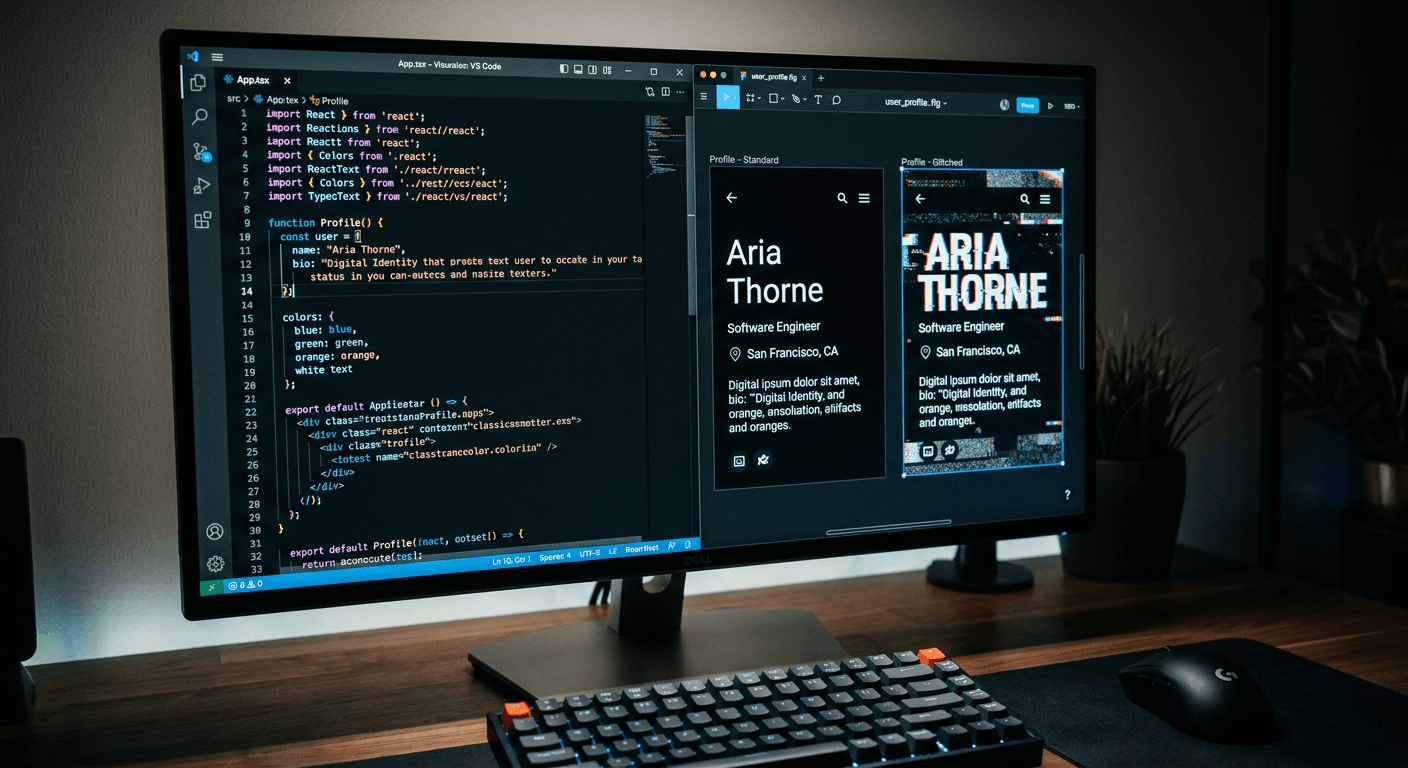
A user scrolling through a social media feed will often stop at a profile where the biography appears written in entirely different typography from the surrounding interface. A common misconception is that the creator has somehow forced the application to load a custom font file. In reality, they have simply used a fancy text generator to swap standard ASCII characters for obscure Unicode symbols that look like heavily stylised letters. When a platform restricts rich text formatting, relying entirely on plain text inputs for names, captions, and biographies, replacing standard letters with mathematical alphanumeric symbols is the only mechanism available for creating typographic hierarchy.
Quick Summary
A fancy text generator is a web-based tool that converts standard keyboard input into visually distinct Unicode symbols, allowing users to bypass plain text restrictions on social media and web platforms.
- Replaces standard text with mathematical, phonetic, or combined Unicode characters.
- Operates entirely independently of CSS or loaded font files.
- Introduces strict trade-offs regarding accessibility and screen-reader compatibility.
- Requires careful implementation to avoid triggering platform spam filters.
Table of Contents
- 1. Choose the Right Generator for the Platform
- 2. Implement Small and Tiny Text for Visual Hierarchy
- 3. Apply Glitch and Edge-Case Styles Deliberately
- 4. Test Across Devices and Screen Readers
- 5. Deploy within Your Link-in-Bio and Analytics Workflow
- Common Pitfalls & Troubleshooting
- FAQ
- Recommended Reads
1. Choose the Right Generator for the Platform
The mechanics of text styling outside of dedicated web design environments rely entirely on the Unicode standard. When you type a standard capital 'A' on a keyboard, the system records it as U+0041. When you process that letter through a bold text generator, the tool replaces it with U+1D400, which is the mathematical bold capital 'A'. Because the operating system recognises this as an entirely different character, social media platforms cannot strip the formatting out.
People turn to a cool text generator for one primary reason. They want to bypass rigid, unformatted text fields. Platforms like Instagram, X, or LinkedIn mandate these fields. Yet, users repeatedly make a mistake at this stage. They paste these generated characters indiscriminately across their entire biography or main display name. Altering an account's core identifier with Unicode symbols forces the platform's internal search engine to interpret the input literally. A user searching for your brand name types standard ASCII letters. Meanwhile, your profile is registered under mathematical alphanumeric symbols. Your account vanishes from search results.
To see examples of how specific Unicode blocks function across different platforms, you can review this guide on Creative Text Styling: Using Fancy and Small Text Generators. The practical implementation requires you to keep the highly stylised characters restricted to supplementary text, never the primary searchable metadata.
Practical rule: Never use Unicode-generated text for your account's display name or primary handle; restrict it entirely to the descriptive fields in your biography.
2. Implement Small and Tiny Text for Visual Hierarchy
Creating a visual hierarchy within a character-limited plain text field is difficult. Without the ability to use standard HTML tags or CSS weight properties, all text naturally competes for the user's attention at exactly the same scale. To establish a secondary level of information - such as a footnote, a minor disclaimer, or a secondary link description - professionals use specific Unicode subsets.
A small text generator relies heavily on the Phonetic Extensions block, small caps, or specific subscript characters mapped within the Unicode standard. Alternatively, a superscript generator shifts the baseline of the characters upward, which is highly effective for referencing footnotes or indicating registered trademark status next to a brand name. If you are looking for more specific aesthetic variants, a tiny text generator often pulls from a mixture of sub-blocks to create characters that sit lower and smaller than standard body text.
The critical failure mode here is mixing different baseline styles within a single word or sentence, which forces the operating system's rendering engine to constantly adjust the line height. When this happens, a carefully spaced paragraph suddenly introduces jarring double-spacing between specific lines, ruining the intended aesthetic. If you are experimenting with these formats for the first time, studying How to Use Fancy Text Generators for Social Media provides a clear view of how these baselines interact with standard application UI.
3. Apply Glitch and Edge-Case Styles Deliberately
Beyond standard bolding and scaling, there are highly disruptive styles designed specifically to draw attention by breaking standard formatting rules. A cursed text generator, which produces what is commonly known as Zalgo text, does not just swap characters. Instead, it exploits a Unicode feature called combining diacritical marks. These are modifiers usually meant for adding accents to letters (like the tilde in 'ñ'). By stacking dozens of these marks onto a single base character, the text bleeds upward and downward into the surrounding interface.
Similarly, a brat text generator is used to create a chaotic, highly tracked, often purposefully messy typographic style that aligns with specific modern cultural trends. These tools are highly effective for short-term engagement campaigns, disruptive marketing, or launching a specific counter-cultural aesthetic, such as Inspiring Instagram Captions for Life, Love, and Holidays where a disruptive visual element forces a user to pause their scrolling.
The mistake practitioners make with combining diacritical marks is ignoring the container constraints of the platform. If you deploy heavily stacked cursed text inside a rigid CSS table or a tightly packed link-in-bio menu, the vertical overflow will cover the clickable areas of adjacent links. Users will physically be unable to tap the buttons positioned above or below the text. Always limit the intensity of the combining marks to two or three per letter if they must sit adjacent to interactive elements.
4. Test Across Devices and Screen Readers
The most severe limitation of replacing standard text with obscure Unicode symbols is the impact on accessibility. A visually identical glyph does not sound identical to an assistive device. When a visually impaired user navigates a page using VoiceOver or TalkBack, the software reads the exact Unicode name of the character.
If you write the word 'Hello' using standard text, the screen reader says 'Hello'. If you write it using mathematical bold symbols, the screen reader dictates 'Mathematical bold capital H, mathematical bold small e, mathematical bold small l', and so on. This makes the content entirely unintelligible. The same problem applies to automated systems reading your site; search engine crawlers often drop or penalise content that is unreadable, a concept explored in guides on Using Title and Tag Generators for Content.
The fix is to use these tools exclusively for decorative accents rather than essential communication. If a user cannot understand the core message of your profile without reading the stylised text, the deployment has failed. Always run your final biography or caption through a basic text-to-speech engine on your smartphone before publishing it to a live audience.
5. Deploy within Your Link-in-Bio and Analytics Workflow
The most practical environment for generated Unicode text is within a centralised link-in-bio platform or a digital networking tool. Because these platforms serve as a bridge between social media applications and external web properties, they often rely on minimal, highly functional interfaces. Injecting heavily stylised characters into the descriptive fields of a digital business card or a routing menu helps differentiate priority links from secondary content without requiring custom CSS modifications.
For example, if you are setting up networking tools based on How to Create the Best Business Cards for Your Brand, you might use superscript characters to add subtle professional designations after a name, or bold mathematical symbols to highlight the primary portfolio link out of a list of six.
The error practitioners make in this environment is failing to measure the performance impact. Stylised text can sometimes reduce click-through rates if older mobile devices fail to render the symbols correctly, displaying blank squares instead. By monitoring the analytics dashboard tied to your link-in-bio tool, you can track whether engagement drops on the specific days you update the profile formatting. Adjusting the visual strategy based on hard data prevents a purely aesthetic choice from harming your overall traffic flow. For broader strategies on generating functional digital content, Creative Ways to Use a Random Word Generator provides insight into balancing structural constraints with creative input.
Common Pitfalls & Troubleshooting
Even when carefully applied, generated Unicode text frequently interacts poorly with older operating systems and strict platform rendering rules. These are the three most common failures, how to identify them, and the specific repairs required. The most frequent real cause of these issues is outdated mobile operating systems on the recipient's device, which lack the font files necessary to render newer Unicode blocks.
The Text Renders as Empty Squares (Tofu)
- Symptom: Instead of the styled letters you pasted into your biography, the published profile displays a series of empty boxes, question marks, or crossed-out rectangles on certain devices.
- Diagnosis: This happens when the device's default system font does not include a glyph for the specific Unicode character you selected. The operating system defaults to a placeholder character (colloquially called 'tofu').
- Fix: Remove characters from the newer Supplemental Multilingual Planes. Revert to standard ASCII characters for the primary message, or select a different, older styling option (like basic small caps) that has wider historical support across legacy Android and iOS devices.
The Profile Disappears from Platform Search Results
- Symptom: When you type your exact brand name into the platform's search bar from a secondary account, your profile does not appear in the dropdown suggestions, despite being active.
- Diagnosis: The search algorithm indexes strings of standard letters. Because you replaced your display name with mathematical alphanumeric symbols, the engine treats your name as a string of unrelated mathematical equations, effectively removing you from standard text queries.
- Fix: Immediately restore the primary 'Display Name' and 'Username' fields to standard, unformatted text. Move all stylistic Unicode choices down into the biography paragraph, which is rarely indexed for exact-match user searches.
Line Heights Break and Overlap the Interface
- Symptom: The spacing between lines of text in your caption doubles, or the top of your stylised text physically overlaps the buttons situated above it on the mobile application.
- Diagnosis: You have used excessive combining diacritical marks (Zalgo text) or mixed too many baseline-shifting characters (superscript and subscript) in a single tight container. The platform's CSS cannot contain the vertical overflow.
- Fix: Strip out the combining marks entirely. If you must use a chaotic visual style, restrict the generator to outputting a maximum of two vertical modifiers per base character, ensuring the text remains within the physical bounds of the application's text container.
FAQ
Does a text generator change my actual font? No. A generator does not alter the font file or inject CSS into the platform. It simply maps standard keyboard letters to entirely different Unicode symbols that inherently look bold, italicised, or miniaturised within the default system font.
Will styled text hurt my search engine indexing? Yes, if used on critical keywords. Search engines read the literal Unicode value, not the visual appearance. Replacing your main product name with mathematical symbols will prevent search engines from understanding or indexing that word.
Why do some letters look like empty boxes on older phones? Older operating systems lack comprehensive Unicode libraries. If the phone does not possess the specific glyph required to draw the mathematical or phonetic character you generated, it displays a blank placeholder box instead.
Can I use these generators in my website's HTML? You can, but you should not. In a controlled web environment, you have access to CSS. Using CSS font-weight or font-style tags achieves the same visual result while keeping the underlying text perfectly readable for search engines and accessibility screen readers.