How to Use a Lorem Ipsum Generator for Professional Web Layout Design 2026
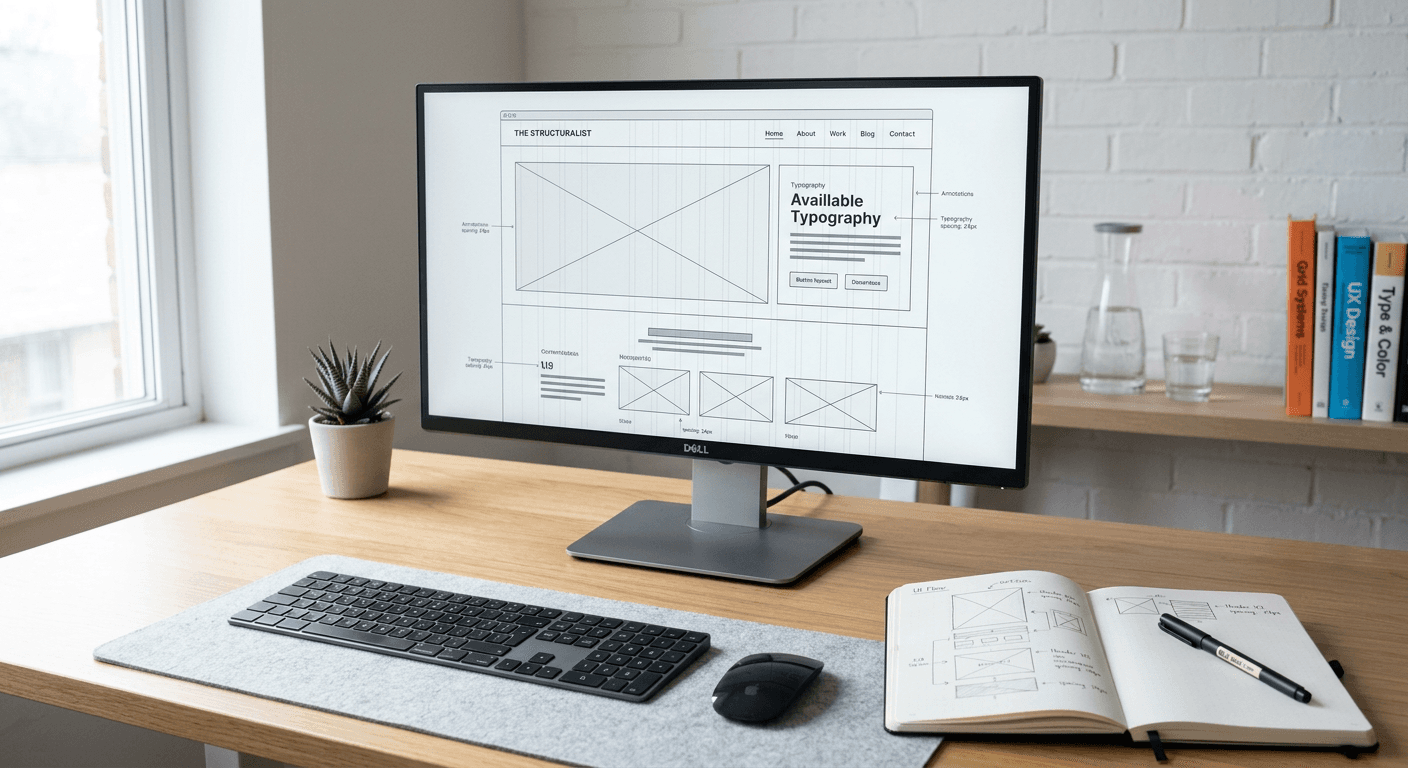
Using dummy text is a fundamental practice in professional web design, allowing creators to focus on visual hierarchy and grid systems before the final copy is available. By using a lorem ipsum generator, designers can simulate the rhythm, weight, and flow of real content within a prototype.

Quick Summary
A lorem ipsum generator creates placeholder text based on scrambled Latin, designed to prevent readers from focusing on copy when reviewing layout structure. It helps designers assess visual balance, font legibility, and typography settings without being distracted by meaningful content.
- Prevents editorial feedback during the design phase.
- Provides a realistic representation of text density.
- Allows testing of responsive behaviour with varied character counts.
Table of Contents
- Understanding Dummy Text
- How to Use a Placeholder Tool
- Best Practices for Layout Drafting
- Common Pitfalls & Troubleshooting
- FAQ
Understanding Dummy Text
At its core, lorem ipsum is a collection of Latin words derived from Cicero's writings, modified to ensure the distribution of letters appears natural. Unlike "random text," which may look repetitive or jarring, this classical scrambled text mimics the length and variation of standard English sentences. This predictability is essential when you need to confirm that a specific column width or font size maintains readability across various screen resolutions.
Professional designers use these tools to ensure that a layout remains stable regardless of the content's meaning. When clients or stakeholders review a mock-up that contains actual copy, they often provide feedback on grammar, tone, or word choice, which stalls the design process. Using a neutral placeholder shifts the conversation toward user experience, colour palettes, and spacing, ensuring that technical design elements are prioritised until the visual foundation is solid.
How to Use a Placeholder Tool
Incorporating a generator into your workflow is a simple, multi-step process. Follow these steps to ensure your prototypes remain clean and professional.
- Define your parameters: Most generators allow you to specify the quantity of paragraphs, words, or lists. Consider your target container; if you are designing a hero section, a single sentence is sufficient, while a blog template requires multiple paragraphs.
- Generate the content: Click the generate button on your preferred tool. Look for options that allow you to include HTML tags like
<p>or<ul>for direct integration into your code editor. - Copy and paste: Transfer the generated text into your design software or development environment. Ensure you replace existing headers or static text labels with the placeholder to get a true feel for the interface.
- Check layout constraints: Observe how the text reacts to your container's CSS properties, such as line-height, text-align, and overflow settings.
Pro Tip: Use a generator that supports custom vocabulary or specific character counts to test how your layout handles unusually long or short words, preventing unexpected line breaks in your design.
Best Practices for Layout Drafting
When drafting a layout, consistency is key to identifying potential UI flaws. Avoid using the same string of placeholder text for every block on a page, as this creates an artificial pattern that might obscure how the design handles varying text lengths. Instead, vary the amount of text in each section to simulate real-world usage.
Furthermore, consider using a character generator when you need to fill very specific spaces, such as input fields, navigation menus, or small cards. A standard lorem ipsum block may be too lengthy for these constraints, leading to layout breakage in responsive views. Testing with precise character counts ensures your components are resilient and flexible enough for the diverse data they will eventually host.
Common Pitfalls & Troubleshooting
One common error is leaving placeholder text in the final production build. Always implement a final review process - often using a checklist or an automated search script - to scan for "lorem" or "ipsum" before deployment. Failing to do so can lead to a significant professional oversight that damages brand credibility.
Another issue arises when the placeholder text is used to justify poor typography. Just because the Latin text looks balanced does not mean the real content will. Always test your typography settings with a sample of actual copy early in the project to ensure that line lengths, font weights, and letter spacing are truly optimised for readability in the target language.
FAQ
Is it necessary to use Latin text?
No, you can use English-language placeholders or even random character strings if you prefer. However, Latin is traditional because it is less distracting to the human eye, allowing focus to remain strictly on the layout.
When should I switch from dummy text to real content?
Transition to real content as soon as the structural prototype is approved. This allows you to address specific typographic challenges, such as hyphenation and word length variations, before the final hand-off.
Can dummy text impact SEO?
Placeholder text itself does not impact SEO if it remains in your design environment. However, if indexed by search engines before you replace it with relevant content, it will prevent your pages from ranking for the correct keywords.
Does every web design project require a generator?
For simple projects with known content, you might prefer using real text from the start. However, for complex layouts or systems where content is still being drafted, these tools are invaluable for maintaining design momentum.