How to Use a Word Cloud Generator and ASCII Tools for Digital Design
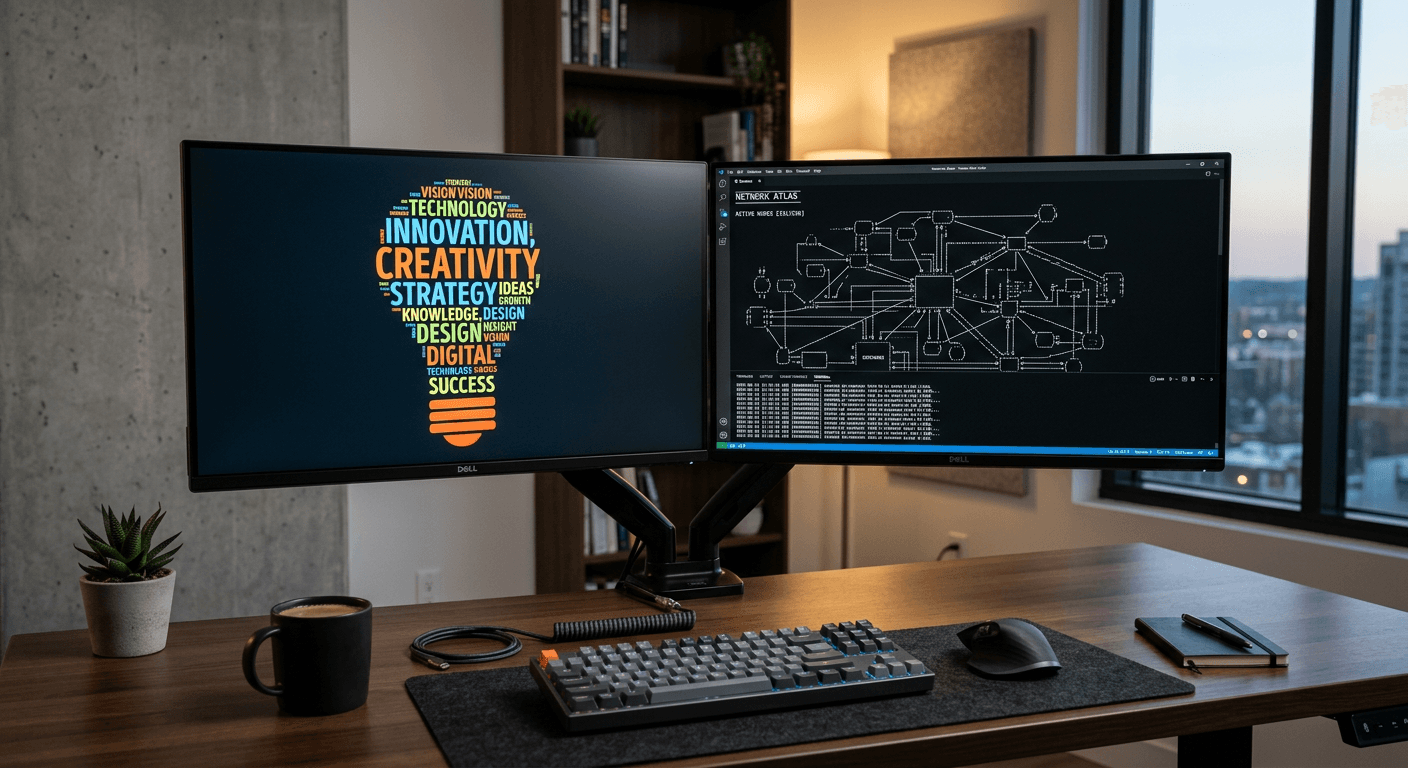
Visual communication in digital spaces often relies on striking, unconventional aesthetics to capture attention. Whether you are crafting social media assets, developing brand assets, or enhancing website layouts, integrating creative typography and text-based graphics can provide a unique edge. Two highly effective, yet distinct, methods for achieving this are the use of a word cloud generator and an ASCII generator, which allow for the transformation of standard text into dynamic visual elements.

Quick Summary
Using a word cloud generator and ASCII tools enables creators to transform raw text into visually compelling designs for web and print. These tools shift the focus from traditional typography to data-driven art, helping to emphasise keywords, create retro-tech aesthetics, and provide structured, scannable visual summaries for digital audiences.
- Word cloud generators convert text frequency into visual hierarchies.
- ASCII generators translate images or characters into character-based digital art.
- Effective design requires balancing legibility with creative stylistic choices.
- Planning copy with a slogan generator helps streamline the input process.
Table of Contents
- Quick Summary
- Understanding Word Cloud Generators
- Leveraging ASCII Generators for Retro Design
- Streamlining Copy with Title and Slogan Generators
- Common Pitfalls & Troubleshooting
- Frequently Asked Questions
- Recommended Reads
Understanding Word Cloud Generators
A word cloud generator is a utility designed to visualise word frequency, where the size of each word in the cloud corresponds to its occurrence in the provided source text. This tool is particularly powerful for content creators who need to condense complex topics into an immediate, digestible graphic. By highlighting the most frequent terms, you can visually signal the core themes of a blog post, a social media campaign, or a business presentation.
To maximise the effectiveness of these graphics, focus on clean, high-contrast colour palettes that align with your broader brand identity. Most generators allow for custom shape masks, meaning you can contain the text within specific silhouettes - such as an icon or a logo shape - to make the output feel more intentional. Ensure that you filter out common 'stop words' like 'the', 'and', or 'is', as these will otherwise dominate the visual hierarchy and clutter the final image.
Leveraging ASCII Generators for Retro Design
An ASCII generator provides a method to create digital art using only the standard set of characters found on a keyboard. This aesthetic, rooted in early computing, has seen a significant resurgence in modern digital design due to its clean, minimalist, and tech-focused appeal. You can use these generators to convert complex photographs into monochrome character patterns, which work exceptionally well for social media profiles, email footers, or technical documentation headers.
When working with these generators, consider the density of your output. Fine-detail images often require a wider character set to render correctly, while simple logos work best with bold, high-contrast symbols. Because ASCII art is essentially text, it is highly responsive and retains its quality across different screen sizes, making it a robust choice for developers who want to avoid the load times associated with heavy image assets. Always test your generated art in a monospaced font; using proportional fonts will typically break the alignment and distort the intended image.
Streamlining Copy with Title and Slogan Generators
Before you begin the visual generation process, you must ensure your underlying copy is as punchy as possible. A title generator or a slogan generator can act as a catalyst for creative brainstorming when you are facing a block. By inputting core concepts or industry-related keywords, these tools provide a variety of permutations that can help you distill your message into a succinct, memorable phrase that is perfectly suited for a word cloud or ASCII representation.
Pro Tip: When generating text for visual art, prioritise brevity. A slogan that is too long will lose its impact when processed through a generator, often resulting in illegible typography or overly crowded character density.
Using these text-based utilities ensures that the content driving your design is already optimised for impact. Once you have a strong set of keywords from a slogan generator, you can move them into your visual tools, ensuring that the final aesthetic is not just pretty, but fundamentally grounded in a strong, coherent message that resonates with your target demographic.
Common Pitfalls & Troubleshooting
- Incoherent Layouts: The most common mistake with word clouds is including too many words. If the cloud looks like a block of noise, reduce the input to the top 20 or 30 most relevant terms.
- Font Alignment Issues: ASCII art relies on character spacing. Always verify that your display container uses a monospaced font (such as Courier or Consolas); otherwise, the visual alignment will fail.
- Poor Readability: Avoid placing complex ASCII art over high-detail background textures. Maintain high contrast by using solid, dark colours on light backgrounds or vice-versa.
- Over-styling: Avoid mixing too many fonts within a single word cloud. Stick to two complementary typefaces to maintain professional polish.
Frequently Asked Questions
Do ASCII generators require specialised software? No, most are browser-based tools that allow you to upload images and convert them into character text instantly without installing any local software.
How can I make my word cloud look more professional? Use custom colour schemes that match your brand identity and select a shape mask that aligns with your specific industry or project theme.
Can word clouds be used for SEO? While the generated image itself is not a direct SEO ranking factor, you can use the keywords extracted for your word cloud to optimise your meta descriptions and header tags.
Is ASCII art considered accessible? Because ASCII art is composed of characters, it can be problematic for screen readers. Always provide a text-based alternative or alt-text description to ensure your design remains accessible to all users.