EDIT How to Use Fancy Text Generators for Social Media
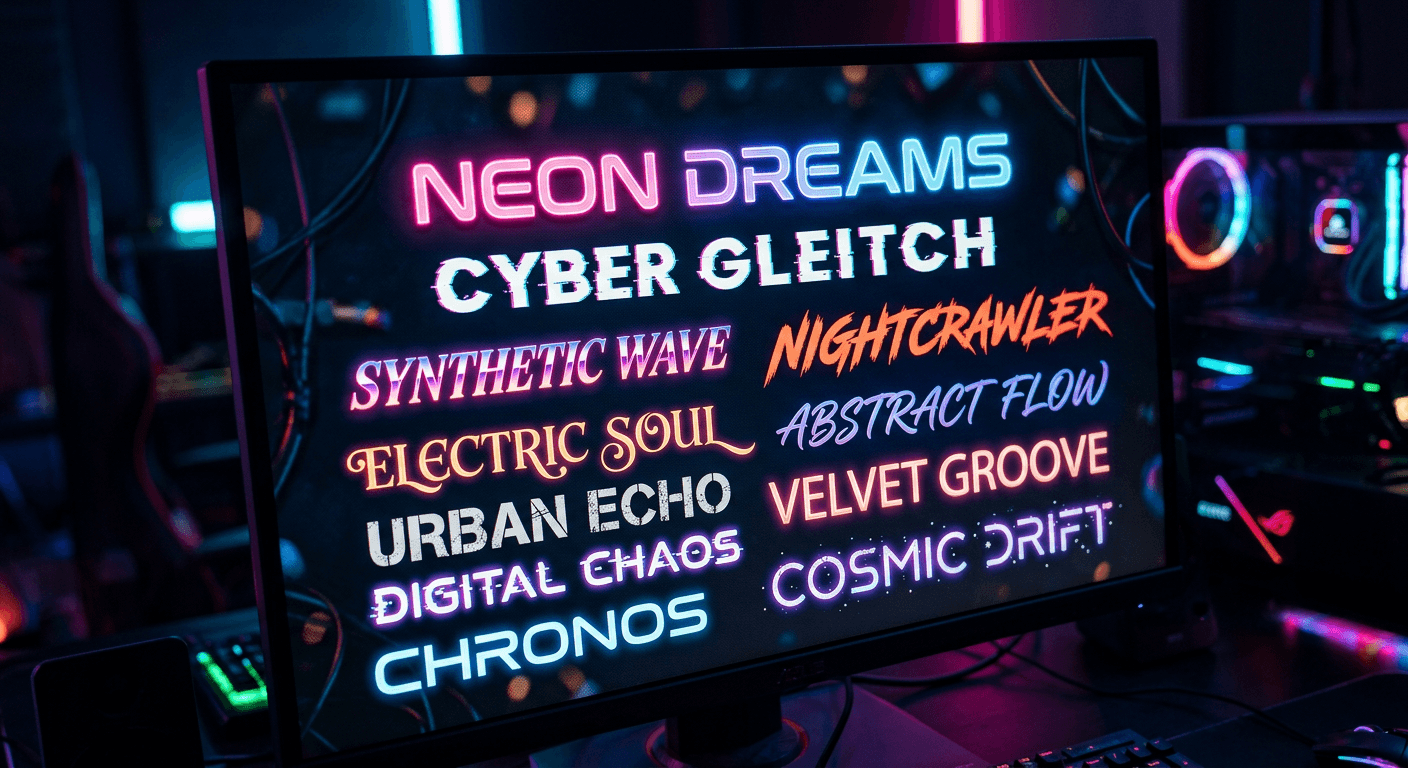
YEDIT ou have likely scrolled through your feed and stopped dead in your tracks because a profile bio or a caption looked like it was pulled from a different dimension. Those wild, jagged, or hyper-stylized fonts are not actually fonts at all. They are the work of a fancy text generator, a tool that swaps standard characters for unique Unicode symbols. If you ask me, using these can be a total game-changer for your brand identity if you know how to wield them without coming off as messy. Getting noticed on Instagram is about standing out, and custom typography is just one way to spice up your digital presence.
Quick Summary
A fancy text generator is a web-based utility that converts standard ASCII characters into Unicode variants, allowing users to create bold, italic, or aesthetic styles for social media. These tools work by mapping your input text to specific character sets that bypass standard font restrictions on platforms like TikTok.
- They utilize Unicode symbols rather than installing new fonts.
- Most generators offer styles like tiny, bold, or cursed text.
- Accessibility is a major concern when using highly stylized characters.
Table of Contents
- Understanding How Fancy Text Generators Work
- Styling With Bold and Tiny Text
- The Appeal of Cursed and Brat Text
- Choosing the Right Cool Text Generator
Understanding How Fancy Text Generators Work
Let's clear the air. Your phone doesn't suddenly sprout a new keyboard when you see those crazy letters. These tools simply swap standard alphabet letters for visually similar symbols found in the massive Unicode standard. Think of it like wearing a costume. The 'A' is still an 'A,' it just decided to show up to the party wearing a fancy hat today. It's essentially a copy-and-paste magic trick. Some users worry if these are harmful - they aren't, but they can be a bit tricky for screen readers to interpret. If your goal is inclusivity, you should definitely keep your main bio readable and save the fancy stuff for the accents or flair.
Styling With Bold and Tiny Text
Sometimes, you just want to emphasize a point. Bold or tiny characters can help you create a visual hierarchy. If you look at this guide to link tools, you'll see how organization helps users navigate. Your text should follow a similar logic.
Mastering the Small Text Generator
A small text generator is perfect for adding footnotes, sub-captions, or a bit of "whisper" energy to your content. It uses subscript or superscript characters to shrink your message down. It’s effective for adding a bit of personality without overwhelming the reader. Just don't overdo it—reading an entire paragraph in tiny letters feels like trying to read a cereal box ingredients label with a magnifying glass.
Impact of Bold Text Generator
If you need to make a headline pop within a bio, a bold text generator is your best friend. It creates a heavy, weighted look that forces the eye to focus. It's great for names or key call-to-actions. Use it sparingly, though. If everything is bold, then nothing is bold. It’s like shouting in a library - it gets attention, but maybe not the kind you want.
The Appeal of Cursed and Brat Text
Social media trends move faster than a cheetah on caffeine. Right now, chaotic energy is in. This is where those more aggressive or "glitchy" styles come into play. It isn't for everyone, but for creators leaning into a certain aesthetic, it works.
Designing With a Cursed Text Generator
A cursed text generator adds layers of "glitch" symbols, often called "Zalgo," to your text. It looks like the characters are melting or vibrating. Honestly, it’s a bit intense. Use it for horror-themed content or when you want to signal that your brand is a little bit off-the-wall. It definitely makes people stop scrolling to see what on earth is happening on their screen.
Using a Brat Text Generator for Edge
This style is all about that messy, rebellious vibe. A brat text generator usually pulls from styles that look hand-scrawled or intentionally unpolished. It’s the visual equivalent of a smudged eyeliner look. It says you don't care about being perfect, and sometimes, that is the most magnetic trait a creator can have.
Choosing the Right Cool Text Generator
With so many options out there, how do you pick? Start with your brand voice. Is it clean and professional? Maybe stick to simple, bold characters. Is it artistic and chaotic? Go wild with the cursed or tiny options. A cool text generator should serve your message, not distract from it. Always test your text on a few different devices. What looks like a fun, tiny font on your desktop might just look like broken character boxes on an older smartphone. Stay smart, stay stylish, and don't be afraid to experiment with your digital look.