The Complete Guide for Every Instagram Profile Creator: Bio Setup and Platform Linking
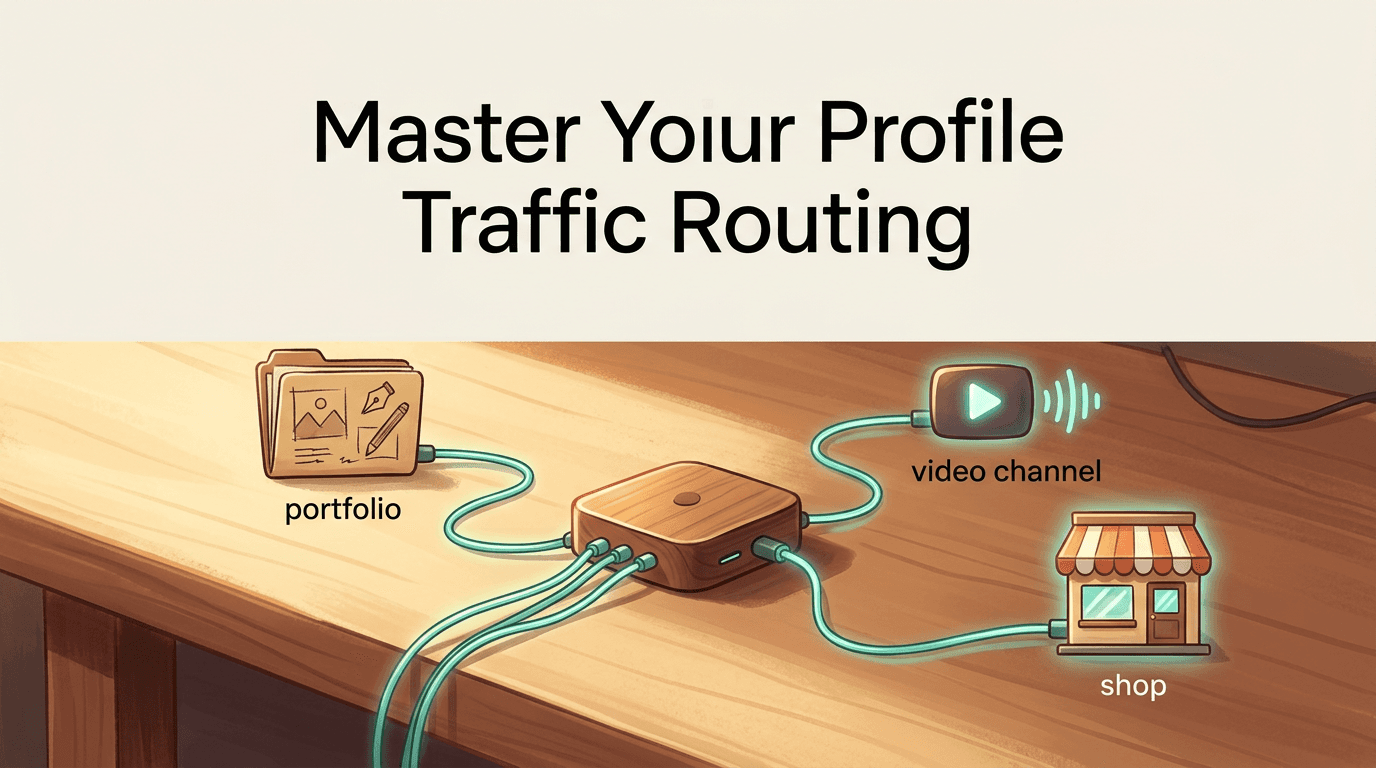
You publish a carousel post explaining a new product, tell your audience to click the URL in your profile, and watch your analytics flatline because the single allowed URL points to your homepage instead of the product checkout. That routing failure is the exact moment an ordinary user realises they must transition into a deliberate Instagram profile creator. Managing a social media presence is no longer about grid aesthetics; it is an exercise in traffic routing. If you cannot move a viewer from a static image to an external checkout page, a TikTok video, or a professional portfolio within two clicks, you lose the conversion. This guide breaks down the mechanics of assembling a high-converting profile, bypassing platform constraints, and securely routing your audience across your digital presence.
Quick Summary
A professional social media profile acts as a central routing hub rather than a static business card. By leveraging a dedicated link management platform, you can bypass native single-URL limitations to distribute traffic across your entire digital footprint.
- Your bio text must clarify exactly what the viewer gains by clicking the link below it.
- Cross-platform integration requires dedicated landing pages rather than direct competitor URLs.
- Audience navigation depends entirely on clear, actionable captions directing them to your profile.
- Display information must be updated sequentially to avoid triggering automated spam filters.
Struggling to manage your social media links?
Consolidate your digital presence and direct followers to your external platforms using a single, customisable link-in-bio dashboard.
Table of Contents
- 1. Auditing What to Put in Your Instagram Bio
- 2. Connecting External Platforms
- 3. Directing Users to Your Hub
- 4. Updating Your Display Information
- 5. Writing Engaging Captions to Drive Bio Clicks
- Common Pitfalls & Troubleshooting
- FAQ
- Recommended Reads
1. Auditing What to Put in Your Instagram Bio
The 150 characters beneath your display name represent the most valuable real estate on your profile. The primary mechanical function of this text is not to describe your personality, but to justify the click on the URL immediately below it. When deciding exactly what to put in Instagram bio fields, prioritise a clear value proposition over vague mission statements.

Mechanics of the Value Proposition
The bio must answer what the user gets when they leave the app. If your external link leads to a booking page, the bio must state "Book consultations here," accompanied by a downward-pointing emoji. A common mistake practitioners make is using this space for extensive hashtag lists or internal platform tagging, which actively directs traffic away from your profile. Instead, focus on Curated Instagram Bio Quotes and Profile Tips for 2026 that align with your specific conversion goals.
2. Connecting External Platforms
Creators frequently ask: can you link TikTok to Instagram natively? While you can paste a TikTok URL into the website field, doing so forces the user into a mobile browser loop where they are asked to log in again, effectively killing the session. Social networks actively throttle traffic directed to direct competitors.
The Link Management Solution
To circumvent this, you must use an intermediary link management platform. This creates a neutral landing page that houses all your external endpoints - from TikTok embeds to your Optimize Your X Link in Bio with KODE.link | KODE Link integration.
Practical rule: Never link directly to a competitor's domain from your primary profile URL; always use a custom landing page to host your embeds and external routing.
The mistake users make here is overloading the landing page with dozens of unorganised buttons. Limit your routing hub to five active, highly relevant destinations.
3. Directing Users to Your Hub
You cannot assume your audience understands platform navigation. A surprising percentage of users over the age of forty still do not know where to find link in bio on Instagram, especially when viewing content through Reels or external shares.
Explicit Navigation Mechanics
Every piece of content must include explicit instructions on how to reach your profile. Tell the user to "Tap our logo in the top left, then click the link below our description." To measure if this routing is actually working, you must track the clicks from the platform to your hub. Understanding How to Use a UTM Generator for Accurate Link Tracking in 2026 is essential here; without tracking parameters, your analytics dashboard will misattribute your profile traffic as direct browser visits.
4. Updating Your Display Information
When a rebrand occurs, creators often execute bulk changes to their username, display name, and bio text simultaneously. This triggers automated security protocols. If you need to know how to change profile on Instagram elements safely, the mechanic relies on staggered updates.
Phased Profile Updates
Change your display name first, wait 48 hours, update your bio text, and then switch your URL. Making all changes at once often results in a shadowban or a temporary lock, as the platform's security algorithm categorises rapid bulk edits as a hijacked account. The mistake is rushing the rebrand rather than treating it as a phased rollout. For text inspiration during this phase, reviewing UPDATEEssential Instagram Bio Quotes for Every Profile can help maintain brand voice without triggering spam filters.
5. Writing Engaging Captions to Drive Bio Clicks
Your profile bio only converts if your post captions successfully route users there. Whether you are a beauty technician needing specific nails captions for Instagram or a lifestyle brand leaning on sentimental love captions for Instagram, the mechanics of the call-to-action remain identical.
The Two-Part Call to Action
The first line of your caption secures attention, but the final line must direct the user to your profile. The error creators make is placing the instruction "link in bio" in the middle of a paragraph where it is hidden by the "Read more" truncation. Place your routing command on its own distinct line at the very end of the text. For structured caption strategies, Inspiring Instagram Captions for Life, Love, and Holidays provides reliable frameworks that separate the narrative from the conversion instruction.
Common Pitfalls & Troubleshooting
Profile routing failures generally manifest in three distinct ways that look similar but require different fixes:
- The In-App Browser Trap: Symptom: High click counts on your profile URL, but zero conversions on your external site. Cause: The platform's internal browser strips session data, preventing users from checking out without logging in again. Fix: Use a link management platform that forces the external link to open in the user's native device browser (Safari or Chrome).
- The Truncated Bio: Symptom: Users are asking questions in your comments that are explicitly answered in your bio. Cause: You placed the critical information past the fourth line of your bio text, meaning users must tap "more" to see it. Fix: Move the primary value proposition and call-to-action to the first two lines.
- The Blocked URL: Symptom: The platform refuses to let you save your profile edits, displaying a generic "Link not allowed" error. Cause: You linked directly to a domain blacklisted for spam, or a payment processor that violates native platform policies. Fix: Route the traffic through an approved intermediary link hub first. This is the most common cause of profile setup failures.
FAQ
What is the optimal character count for Instagram bio text?
While you have 150 characters, the optimal length is under 100 characters split across three short lines. Anything longer requires the user to manually expand the text, which drastically reduces read rates.
Can I use special fonts in my profile description?
Yes, Unicode text generators can create distinct fonts. However, these often fail accessibility tests for screen readers and can be difficult to read on smaller mobile devices. Use them sparingly for headers rather than full sentences.
Why does my bio link say it is suspicious?
If you use a generic, untracked URL shortener that has been previously abused by bot networks, the platform's security filter will flag it. Always use a verified link-in-bio platform or a custom domain.
How often should I change my primary profile URL?
Rarely. Constantly changing the root URL triggers spam filters and breaks older post references. Keep one stable URL for your routing hub, and update the destinations inside that hub instead.